

Wedding presets should help a gallery feel cohesive, but they should never come at the cost of skin-tone accuracy. This is one of the biggest concerns couples and photographers both have with presets: a look that feels beautiful on one image can start to push skin too orange, too pink, too grey, or too flat on another.
The best wedding presets for different skin tones are not just “pretty” presets. They are flexible, balanced starting points that preserve depth, warmth, and realism across a wider range of people and lighting conditions.
Why Skin Tone Handling Matters More Than Preset Style Names
Labels like bright and airy, moody, romantic, or editorial are useful, but they are not what make a preset trustworthy. A wedding preset is only strong if it keeps people looking healthy and believable in real conditions. That means the preset needs to support:
- consistent warmth without over-orange highlights
- good shadow detail so deeper skin tones keep richness
- balanced reds and magentas so faces do not drift pink
- clean whites and neutrals that do not contaminate skin
The Biggest Preset Mistake Across Skin Tones
The biggest mistake is using the same preset strength on every image without adjusting exposure, white balance, and HSL. Even a strong wedding preset still needs small corrections depending on the scene. Indoor tungsten light, open shade, window light, and sunset all push skin differently.
What to Look for in a Wedding Preset Pack
If you regularly photograph different couples, your presets should be able to handle variety instead of forcing everyone toward the same color outcome. Look for packs that:
- keep warmth soft instead of aggressive
- do not flatten darker skin with lifted blacks
- do not make lighter skin too pink in bright scenes
- work across indoor and outdoor wedding light
Bright and Airy vs Moody for Skin Tone Flexibility
Both styles can work well, but they fail in different ways when overused. Bright and airy presets can wash out depth if the image is pushed too far. Moody presets can make skin look muddy if shadows are too deep. The safest wedding workflow is usually a balanced preset with room to adjust up or down based on the couple and the venue.
How to Adjust Presets for Different Skin Tones
Instead of searching for one “perfect” preset for every tone, use these adjustments after applying the preset:
- lower orange saturation if lighter skin starts looking too warm
- lift shadows carefully if deeper skin tones lose detail in darker venues
- reduce magenta or pink shifts in bright window light portraits
- check luminance in the orange and red channels before exporting
Best Preset Types to Start With
The most flexible starting points are usually wedding preset packs that stay controlled rather than extreme. Good options include:
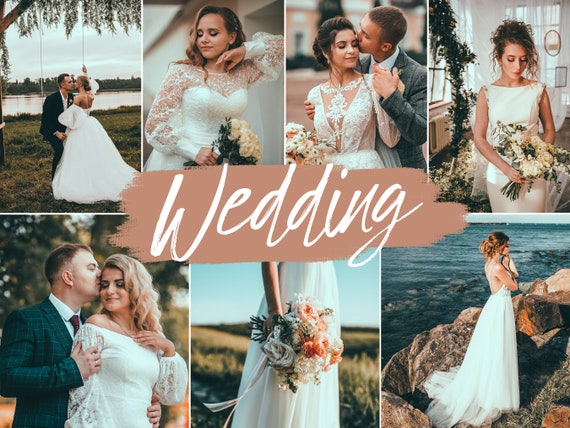 Recommended PresetWedding Lightroom Presets BundleView Preset
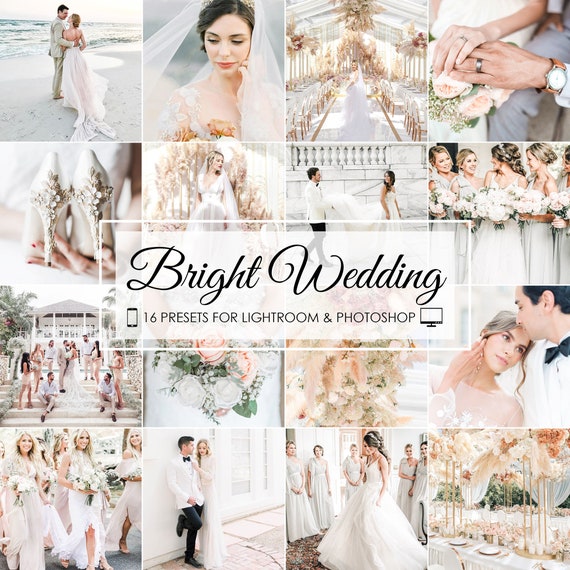 Recommended PresetBright Wedding Lightroom PresetsView Preset
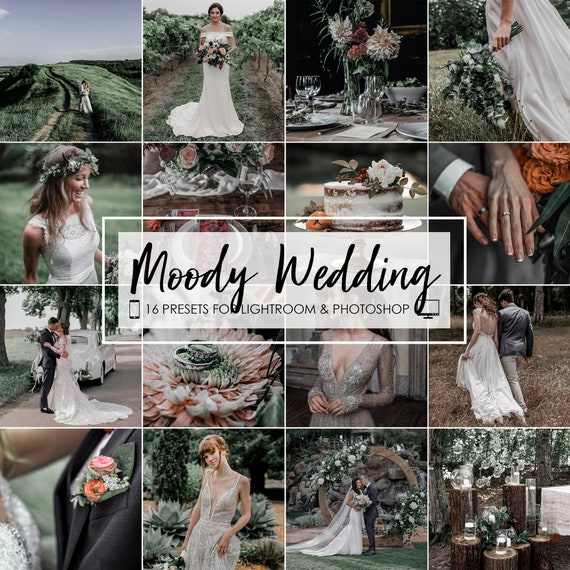 Recommended PresetMoody Wedding Lightroom PresetsView Preset
You can also compare styles across the main wedding Lightroom presets hub.
Why Test on Full Galleries, Not Just Hero Images
A preset can look great on one hero portrait and still break down across the rest of a wedding gallery. Always test on:
- outdoor portraits
- indoor ceremony images
- mixed-light reception shots
- close-ups and wider full-body frames
This is the only way to know whether the preset really handles skin consistently.
Frequently Asked Questions About Wedding Presets and Skin Tones
Do presets work well across different skin tones?
Yes, but the best presets are balanced starting points and still need small adjustments based on lighting and subject.
Are bright and airy presets harder on darker skin tones?
They can be if pushed too far, especially when blacks are lifted too much and depth gets lost.
What matters most when choosing a wedding preset for skin?
Natural warmth, preserved depth, and how the preset performs across different lighting situations.

