

The Best Car Lightroom Presets
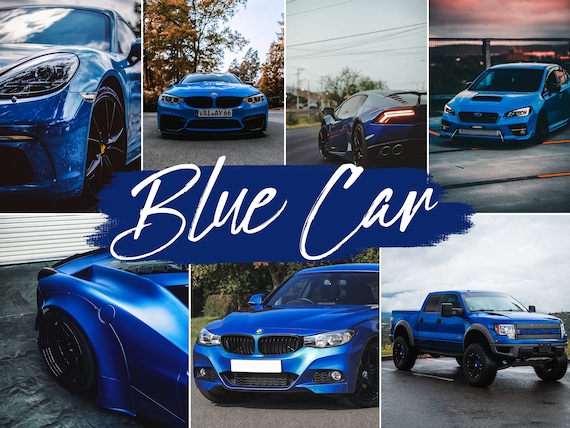
Car photography needs more than a generic color boost. Automotive images usually combine glossy paint, deep shadows, bright sky reflections, chrome detail, wheels, glass, headlights, and mixed light from streets or garages. A strong car Lightroom preset should help you keep those details clean while still giving the photo a bold finished look. That is why our car Lightroom presets are built around real automotive scenes instead of broad one-size-fits-all edits.
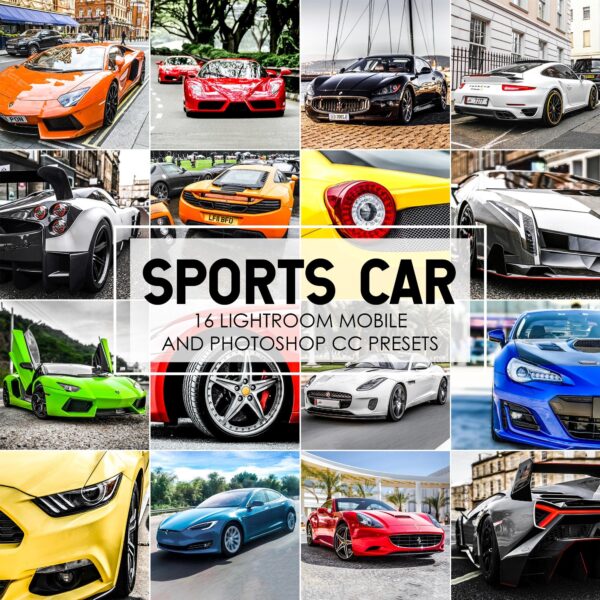
Inside this collection, you will find looks designed for sports cars, black cars, white cars, dealership images, cinematic night shots, sunset edits, moody garage scenes, and everyday clean commercial edits. If you shoot cars for Instagram, private clients, dealerships, or your own portfolio, these presets give you a faster starting point and more consistent results across full sets of images.
Why Car Photos Need Specialized Presets
Automotive photos are harder to edit than standard portraits or travel shots. Paint color shifts quickly, reflective body panels can pick up the wrong tint, and dark vehicles often lose detail when you push contrast too far. A preset built for car photography helps control those issues before you start fine-tuning.
Our car Lightroom presets are especially useful when you want to:
- make paint colors look richer without turning them unnatural
- keep rims, grills, and body lines sharp and visible
- create a cinematic look for night or tunnel shoots
- brighten dealership or outdoor listings without flattening the image
- build a consistent look across a full album or social media carousel
-
car lightroom presets, LightRoom Presets, Red Lightroom Presets
Original price was: $14.99.$5.99Current price is: $5.99. Add to cart -
car lightroom presets, LightRoom Presets
Original price was: $19.99.$4.99Current price is: $4.99. Add to cart -
Bundles, car lightroom presets, LightRoom Presets
Original price was: $49.99.$14.99Current price is: $14.99. Add to cart -
-
-
car lightroom presets, LightRoom Presets
Original price was: $24.99.$11.99Current price is: $11.99. Add to cart -
car lightroom presets, Bundles
Original price was: $149.99.$34.99Current price is: $34.99. Add to cart -
car lightroom presets, LightRoom Presets
Original price was: $19.99.$7.99Current price is: $7.99. Add to cart -
car lightroom presets, LightRoom Presets
Original price was: $24.99.$9.99Current price is: $9.99. Add to cart -
-
car lightroom presets, LightRoom Presets
Original price was: $24.99.$11.99Current price is: $11.99. Add to cart -
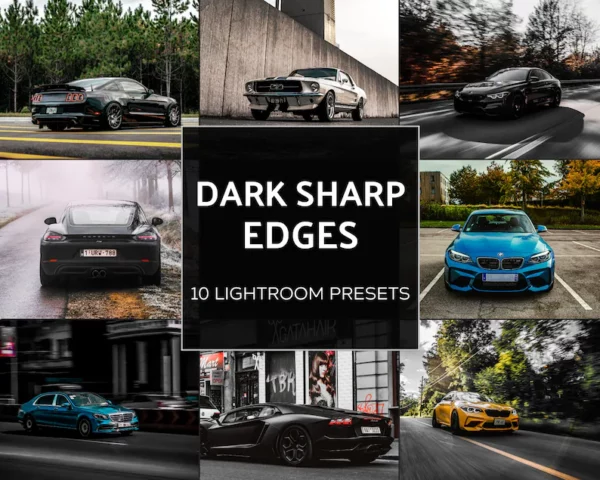
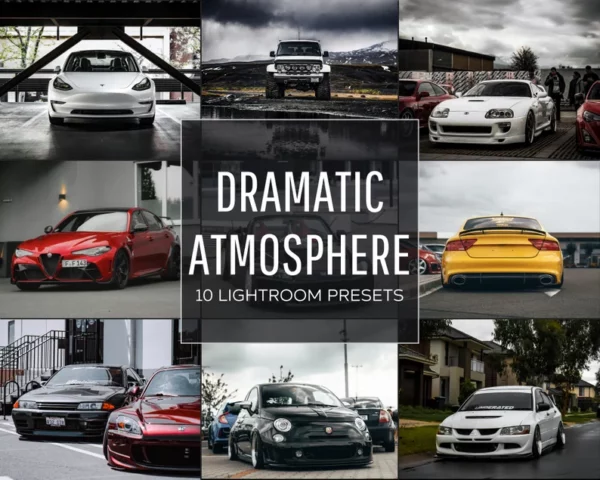
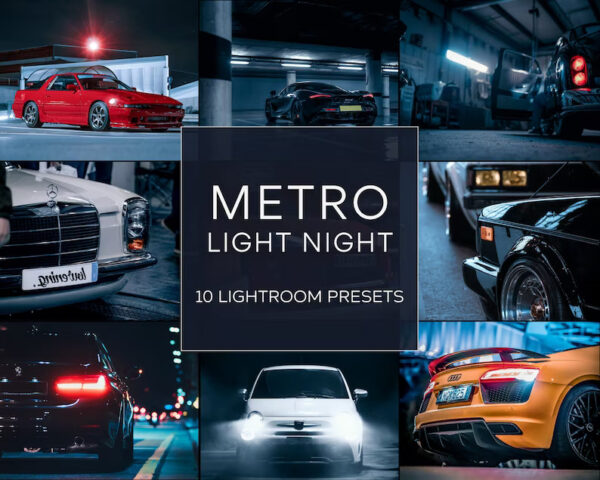


Best Uses for Car Lightroom Presets
Different cars and lighting situations call for different edits. A bright exotic car at golden hour will not need the same treatment as a black sports sedan in a parking garage. The packs in this page are built to cover a wider range of automotive use cases, including:
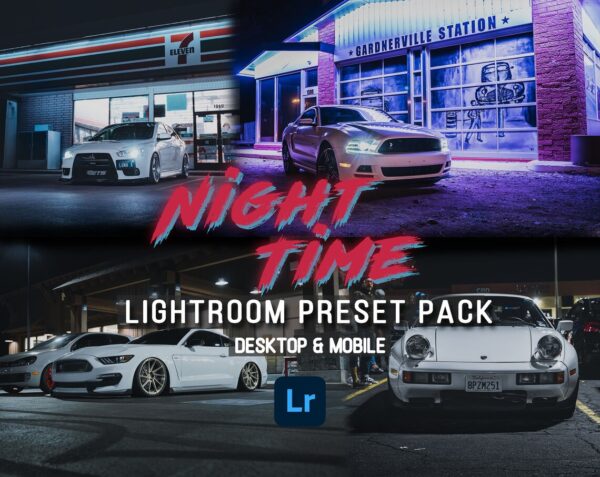
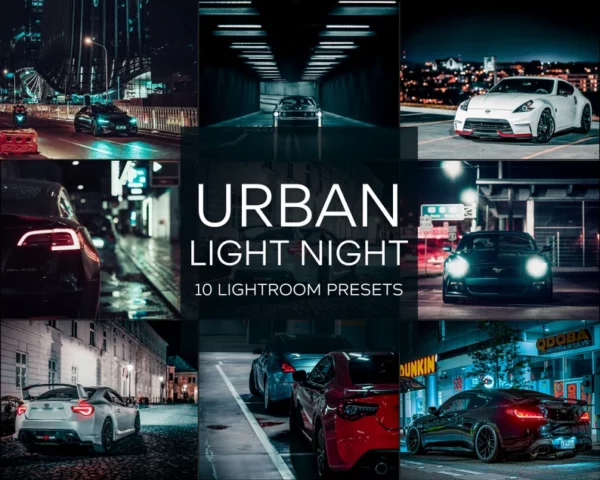
- Night car photography: cleaner contrast, stronger highlights, and richer color separation for street lights, brake lights, and reflections.
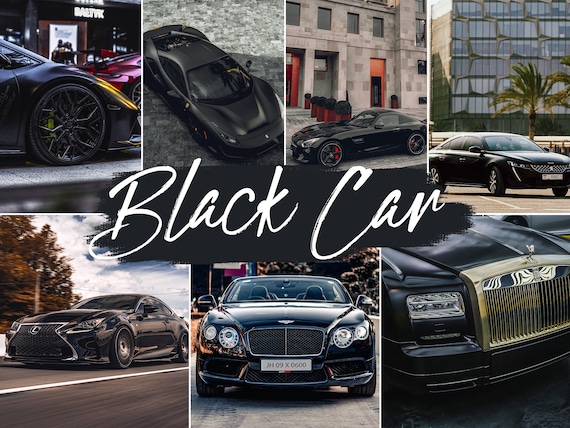
- Black car editing: more detail in shadows without making the paint look gray or washed out.
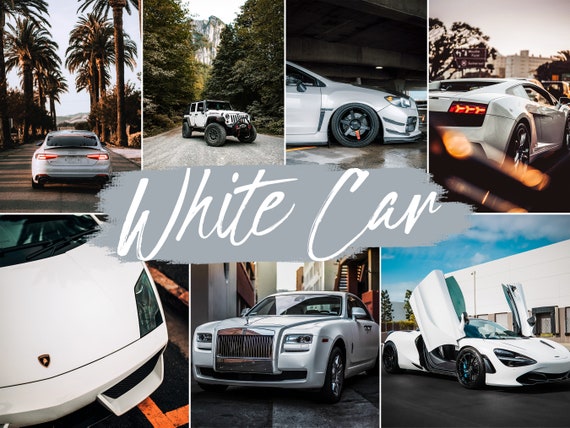
- White and silver cars: better balance between crisp brightness and preserved body shape.
- Cinematic car edits: moodier tones, dramatic contrast, and a stronger film-inspired style.
- Dealership or commercial listings: cleaner, brighter, more neutral edits that help the vehicle look polished and trustworthy.
- Mobile car editing: fast results for creators editing directly in Lightroom Mobile after a shoot.
How to Choose the Right Car Preset Pack
If you mostly shoot one style, choose the pack that matches that look. If your work changes from shoot to shoot, start with a broader bundle so you have more coverage.
Choose a cinematic car preset pack if your goal is a dramatic, moody, high-impact look for social media, reels, or enthusiast content.
Choose a cleaner commercial pack if you shoot for listings, dealerships, or clients who want realistic color and polished presentation.
Choose a larger bundle if you shoot multiple vehicles, multiple times of day, or want more flexibility in one purchase. Our Lightroom preset bundles are a good fit when you want broader coverage beyond one editing style.
Mobile and Desktop Support in Every Pack
Every car preset pack includes XMP files for Lightroom Classic and Lightroom desktop plus DNG files for Lightroom Mobile. That means you can edit on Windows, Mac, iPhone, or Android with the same purchase. If you are new to presets, see our Lightroom preset installation guide and our beginner-friendly explanation of what a DNG file is.
You do not need a subscription to receive your preset files from us, and your download remains available after purchase. That makes these packs useful for both full-time photographers and casual creators who want a faster editing workflow.
How to Get Better Results from Car Lightroom Presets
A preset works best as a starting point, not a final one-click promise for every single image. After applying your preset, make a few quick adjustments based on the photo in front of you. Small edits usually make the difference between a good result and a strong one.
- adjust exposure first so the body panels and wheels have enough detail
- use white balance to correct color casts from garages, sodium lights, or sunset
- reduce highlights if reflections on the hood or windshield are too harsh
- lift shadows carefully for black cars, but avoid making paint look flat
- use masking if the car needs different treatment than the background
If you also create video content around cars, our free LUTs guide can help you build a more consistent visual style across both photo and video.
Who These Presets Are Best For
This page is built for people who need car Lightroom presets that save time without making every image look the same. They are a strong fit for automotive photographers building a more consistent portfolio, car enthusiasts posting edited photos to Instagram or TikTok, dealers and resellers who want cleaner listing images, content creators covering meets and launches, and freelancers editing client galleries faster.
More Car Editing Guides
- How to Edit Car Photos in Lightroom Mobile
- Car Photography Editing Tips for Golden Hour
- Best Car Lightroom Presets for Night Photography
- Best Presets for Black Cars
Frequently Asked Questions About Car Lightroom Presets
Do these car presets work in Lightroom Mobile?
Yes. Every pack includes DNG files for Lightroom Mobile and XMP files for Lightroom desktop.
Will these presets work for black cars?
Yes. Several packs are designed to help dark vehicles keep detail and contrast without crushing the image.
Are these good for dealership photos or only cinematic edits?
They can work for both. Some packs are more dramatic, while others are cleaner and better suited to commercial or listing work.
Can I use these presets on motorcycles too?
Many of the automotive styles work well on motorcycles, especially cinematic, contrast-rich, and detail-focused edits.
What if I want more than one style?
Start with a larger preset bundle or combine a car-focused pack with broader editing collections.
Why Photographers Trust LPresets
Every main collection on LPresets is built to work across mobile and desktop, delivered as an instant download, and designed to give you a usable starting point instead of a locked one-click gimmick. That means you can install the files quickly, apply them across real shoots, and still make your own exposure and white balance adjustments where needed.
What is included in most premium packs:
- mobile and desktop support with DNG and XMP files
- instant delivery after purchase
- preset groups built for real-world editing scenarios
- guides for installation and beginner setup
Find the Right Car Editing Style Faster
If your goal is to make car images look sharper, cleaner, moodier, or more premium without rebuilding every edit from scratch, these car Lightroom presets are the best place to start. Browse the packs above, choose the style that matches your workflow, and use our install guides if you need help getting started on mobile or desktop.
If night shoots are one of your main use cases, read our guide to the best car Lightroom presets for night photography for a more focused breakdown of what works after dark.
If dark vehicles are one of your main editing challenges, read our guide to the best presets for black cars for more focused editing advice.