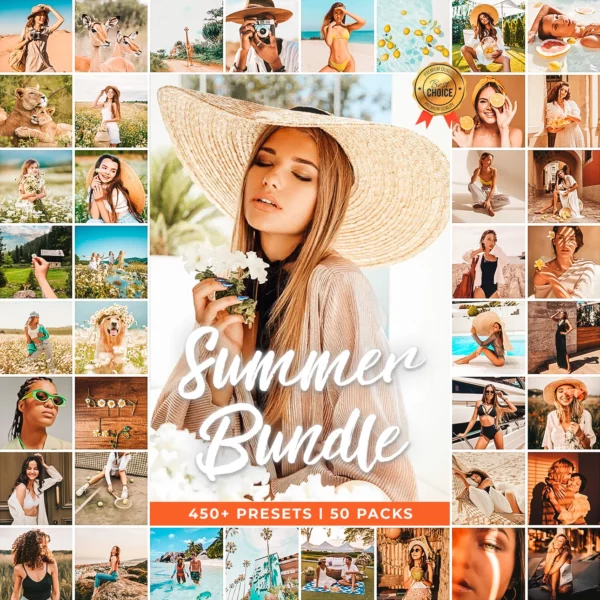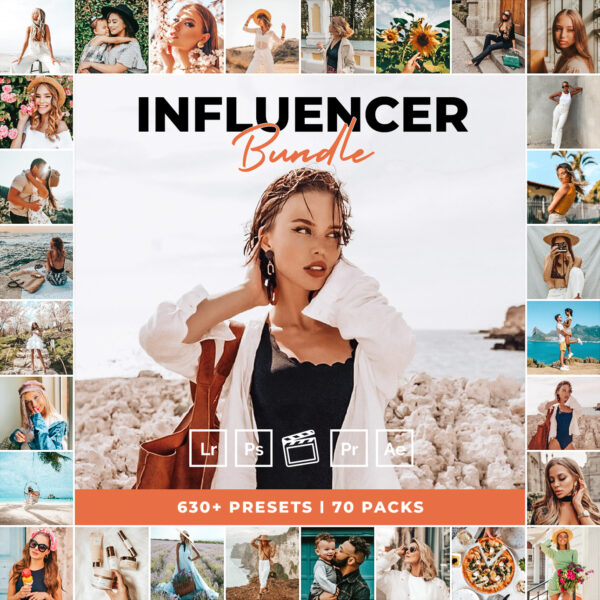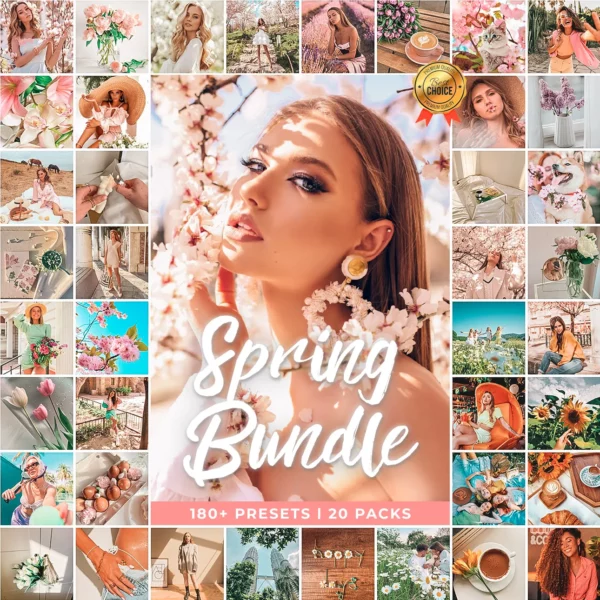
...

Instant Downloads

Top premium Presets

★★★★★  Rated 5.0 by 12,000+ Photographers  •  Instant Download  •  Works on Lightroom Mobile & Desktop  •  500+ Preset Styles
Professional Lightroom Presets

The Best
Lightroom
Presets.

Professional color grading in seconds. 500+ premium presets for portraits, weddings, landscapes & more — instant download, works on mobile & desktop.

500+
Presets
12k+
Customers
5.0 ★
Avg Rating
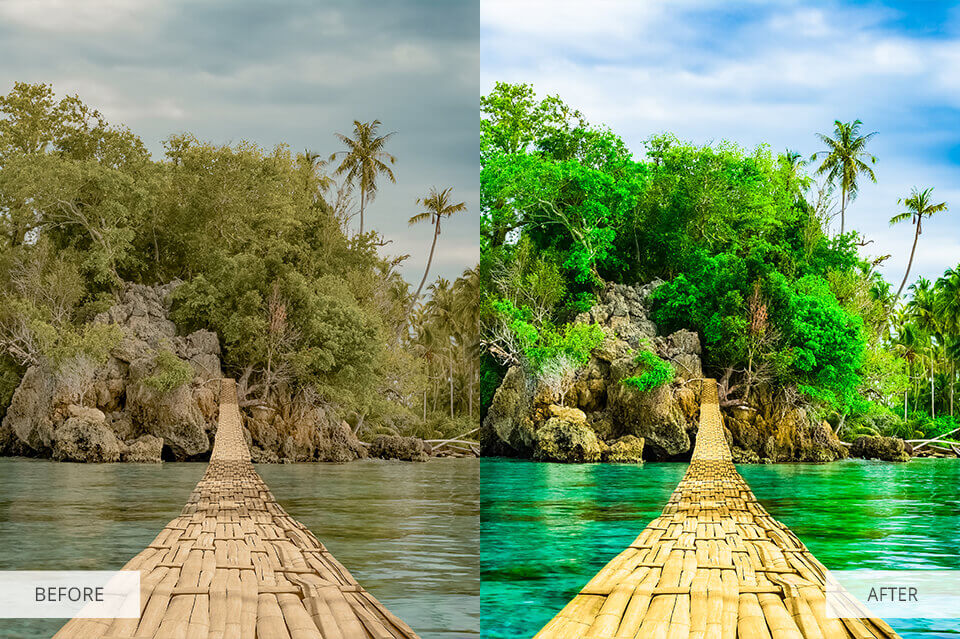
Before preset applied
After preset applied
Before
After
Instant
Download
Customer Reviews
★★★★★

Loved by 12,000+ Photographers

Real reviews from verified purchases — no filters, no fakes

★★★★★ ✓ Verified

They’ve made my real estate marketing so quick and easy. Creative yet professional — they saved me hours of work. Highly recommend for anyone wanting professional results without the hassle!

C
Christi Daugherty
450+ Real Estate Lightroom Presets
★★★★★ ✓ Verified

These presets were absolutely beautiful and super easy to install! I used them on my engagement pictures and they turned out amazing — everyone who saw them couldn’t believe they were edited by non-professionals!

V
Victoria Nguyen
Beach Wedding Lightroom Presets
★★★★★ ✓ Verified

They fit every photo — from wedding to landscape to portrait. Don’t require many adjustments. I tried many presets before and spent a lot on useless ones, but these are my absolute favourite!

M
Marco Manuel
Moody Wedding Lightroom Presets
★★★★★ ✓ Verified

As a newborn photographer there’s a lot of work involved. These presets saved me so much time on every session — already popular styles that clients love. A must-have for family photographers.

O
Oxy Smith
Newborn Lightroom Presets
★★★★★ ✓ Verified

I messaged the seller about upgrading to the mega pack and she kindly sent it over and told me not to worry about the difference. Incredible customer service — I can’t recommend highly enough!

M
Mel
Bali Lightroom Presets
★★★★★ ✓ Verified

Easy to install and the colors are great! These real estate presets gave my property photos a clean, professional look that my clients absolutely loved. Will definitely be purchasing more packs.

E
Elena
30 Real Estate HDR Lightroom Presets
12k+ Happy Customers
500+ Preset Styles
5.0 ★ Average Rating
Instant Download
🆕 Limited-Time Offer — 80% Off ★★★★★ 5.0 — Rated by 12,000+ photographers

The Ultimate Lightroom
Preset Bundle

🎨 1,300+ Professional Presets 📷 Mobile & Desktop Compatible Instant Download 📷 Portraits, Travel, Weddings & More Lifetime Access
$299.00
$59.99 Save $239
Get the Full Bundle One-time payment • No subscription • Instant digital download

Best-Selling Lightroom Presets

What Are Lightroom Presets and How Do They Work?

One-click editing profiles that instantly apply colour grading, exposure, contrast, shadows, highlights, and tone curve to your photos — all at once.

  • 🎨 Style-matched looks — weddings, real estate, automotive, portraits & more
  • Fully customisable — use as-is or fine-tune to your taste
  • 🔒 Non-destructive — your original file is always safe
  • 📱 Works everywhere — Lightroom Classic, CC, and Mobile (iOS & Android)
  • 📁 XMP & DNG formats included — no plugins required

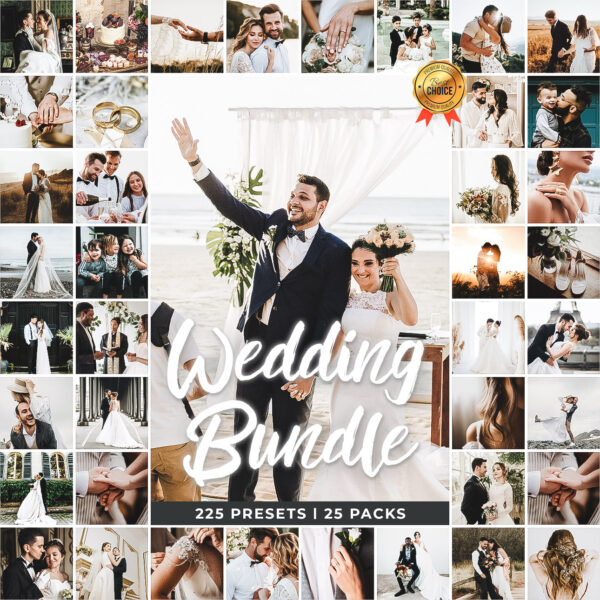
Wedding Presets

How Lightroom Presets Work?

A preset writes precise development instructions into your photo’s metadata — without touching the original pixels. Your RAW file stays 100% intact and fully reversible.

  • 🎚️ Adjusts everything at once — white balance, tone curve, HSL colours, exposure & sharpening
  • ↩️ Fully reversible — undo or reset anytime with no quality loss
  • ⚙️ Refined for real conditions — tested across camera profiles & lighting
  • Batch editing in one click — sync across a full shoot in minutes

Car Presets

Why Photographers Use Presets?

  • ⏱️ Save up to 80% editing time — a full day’s work done in under an hour
  • 🖼️ Build a signature visual brand — consistent style across every shoot
  • Professional results from day one — expert colour grading in a single click
  • 📱 Edit on any device — desktop, phone or tablet with Lightroom Mobile
  • 📸 Trusted by pros & creators — studios, wedding photographers, influencers

How to Install Lightroom Presets?

Step 1 — Download your preset pack. After purchase you receive an instant download link. Save the ZIP file to your computer or phone — no waiting, no shipping.

Step 2 — Extract the files. Unzip the folder to reveal your preset files: .XMP format for Lightroom Classic and CC, .DNG format for Lightroom Mobile.

Step 3 — Install in Lightroom Classic. Open Lightroom → go to the Develop module → click the + icon next to “Presets” in the left panel → select Import Presets → choose your XMP files. Done.

Step 4 — Install in Lightroom Mobile (iOS & Android). Open any photo in Lightroom Mobile → tap the three-dot menu → tap Presets → tap the three-dot menu again → select Import Presets → choose your DNG files from your camera roll.

Your presets appear instantly in the Presets panel, ready to use. Questions? Visit our Customer Help page for a step-by-step video installation guide.

Lightroom Editing Tips & Free Photography Guides

Got Questions?

Frequently Asked Questions

Everything you need to know before your first download

Do Lightroom presets work on mobile devices? +

Yes — every preset pack includes both XMP files (for Lightroom Classic & CC on desktop) and DNG files (for the free Lightroom Mobile app on iOS and Android). You do not need a paid Adobe subscription to use them — Lightroom Mobile is completely free to download. One purchase works across all your devices, so you can edit on your phone, tablet, and computer with the same professional presets.

Are the presets compatible with my version of Lightroom? +

Our presets are compatible with Lightroom Classic 7.3 and above, Lightroom CC, and Lightroom Mobile (all versions). They work with both RAW and JPEG files from any camera brand — Canon, Nikon, Sony, Fujifilm, iPhone, and more. If you have an older version of Lightroom and run into any issues, our customer support team will help you get them installed.

Do I need editing experience to use these presets? +

Not at all — that is the point. Our presets are designed for beginners and professionals alike. Simply open a photo in Lightroom, click the preset, and your image transforms instantly with professional colour grading, exposure, and tone already dialled in. Most photos look perfect with one click. If you want to fine-tune, every slider is still available. No prior editing knowledge required.

Is this a one-time purchase or a subscription? +

One-time purchase, no subscription, no recurring fees. You pay once and own the presets forever — use them on as many photos as you like, for as long as you like, on any device. Your download is available immediately after checkout and you can re-download at any time from your account. We also include free updates to packs you have purchased.

Can I use these presets for commercial photography work? +

Yes — all LPresets packs come with a commercial use licence. You can use them for client work, real estate photography, wedding shoots, product photography, social media content creation, and any other professional or paid photography projects. The only restriction is that you may not resell the presets themselves or include them in other preset packs.

Still have a question? We’re happy to help.

Visit our Help Centre →
Transform Your Photos in 1 Click

Professional editing made simple

Works on Desktop & Mobile

Perfect for Lightroom CC and Classic

Free Bonus Presets

Get 5 free presets with every bundle

Lifetime Updates

All future updates included free