

Professional Wedding Lightroom Presets
Wedding photographers need speed, consistency, and a look that still feels personal. A full wedding day can include outdoor portraits, indoor ceremonies, golden hour couple shots, family formals, reception flash, dark dance floors, and mixed lighting that changes from hour to hour. Our wedding Lightroom presets are built to help you move through those edits faster while keeping the gallery cohesive from start to finish.
Whether your style is bright and airy, soft and romantic, moody and cinematic, or clean and true to life, the packs on this page are designed for real wedding workflows. They help reduce time at the computer, keep skin tones more balanced, and make it easier to deliver a full album with a polished, consistent finish.
-
Bundles, Wedding Lightroom Presets
Original price was: $249.99.$25.99Current price is: $25.99. Add to cart -
LightRoom Presets, Green presets, Wedding Lightroom Presets
Original price was: $39.99.$5.99Current price is: $5.99. Add to cart -

-
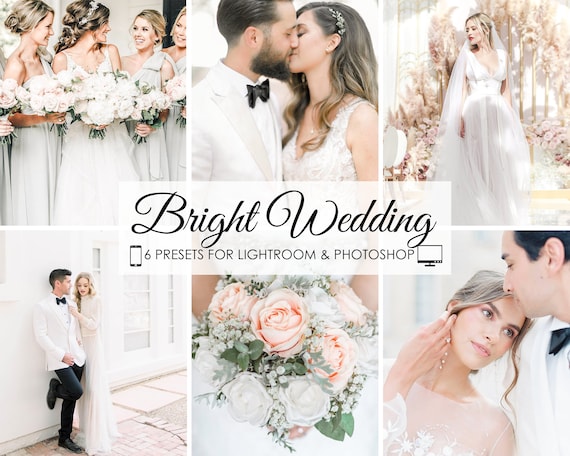
-
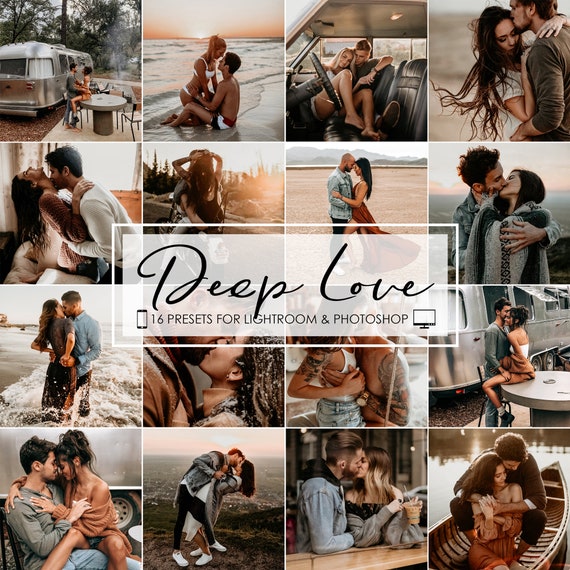
-
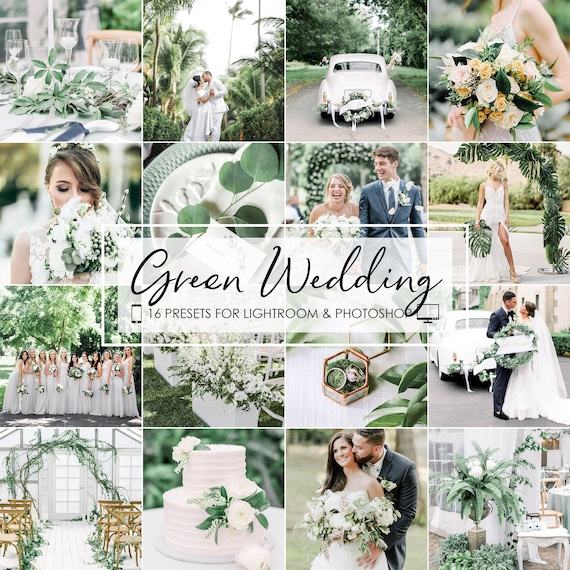
-
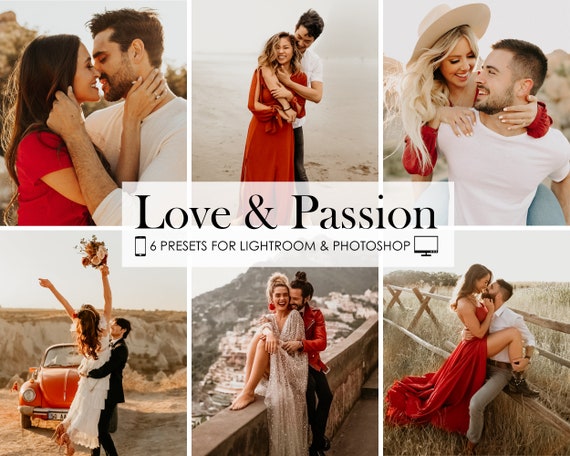
-
-
-


Why Wedding Presets Matter
Weddings create one of the most demanding editing environments in photography. You are not matching a few hero images. You are matching hundreds, sometimes thousands, of frames that need to feel like they belong together. Good wedding Lightroom presets help you keep that consistency while still leaving room for quick image-by-image adjustments.
These presets are especially useful when you want to:
- keep an entire wedding gallery visually cohesive
- edit faster without rebuilding the same color look every time
- handle indoor and outdoor scenes with fewer major corrections
- protect skin tones across different lighting conditions
- create a recognizable editing style clients can book you for
Best Wedding Editing Styles to Look For
Not every couple wants the same finish. Some photographers lean toward soft pastel tones and luminous whites. Others want richer contrast, deeper emotion, or a more editorial result. The strongest wedding preset packs usually give you a few directions to work with so you can match the couple, the venue, and the lighting.
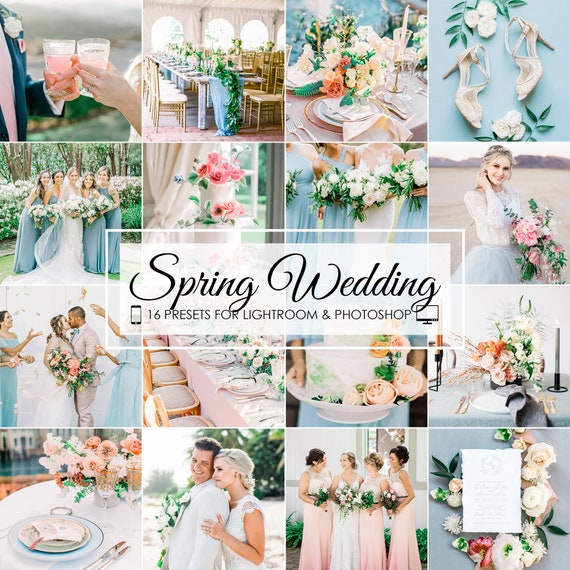
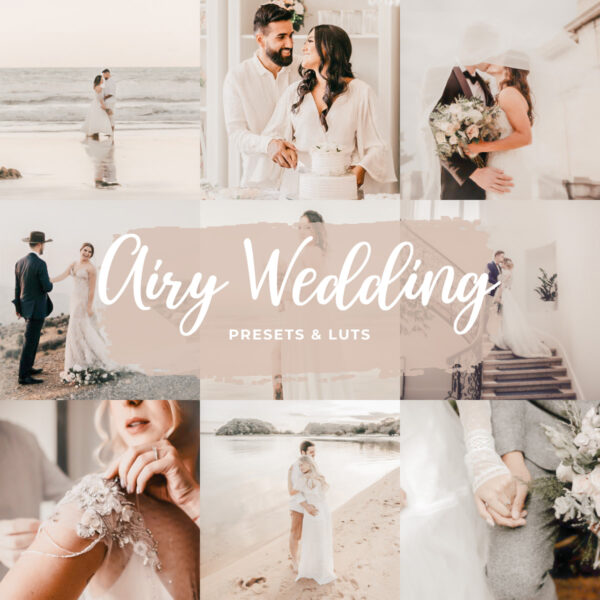
- Bright and airy wedding presets: ideal for outdoor ceremonies, fine-art styles, and clean romantic galleries.
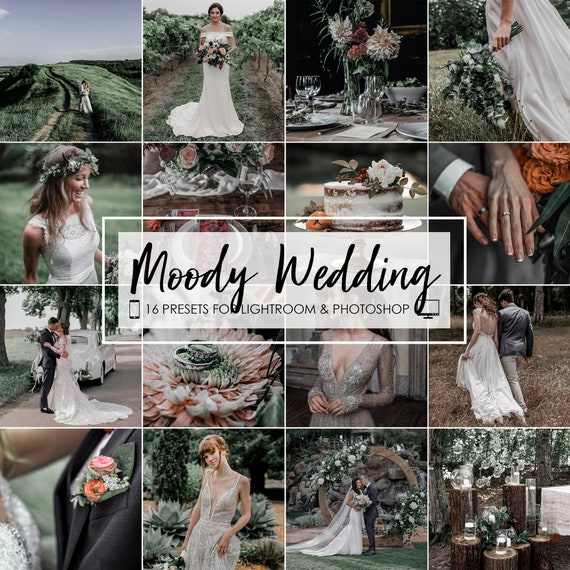
- Moody wedding presets: better for indoor venues, rich colors, candlelit receptions, and dramatic storytelling.
- Soft romantic presets: flattering for portraits, details, and elegant editorial wedding work.
- Clean true-to-color presets: useful when you want timeless galleries that do not feel over-processed.
How to Choose the Right Wedding Lightroom Preset Pack
If you already know your editing style, choose the pack that most closely matches the final galleries you want to deliver. If you photograph a wide range of venues and client aesthetics, start with a broader wedding bundle so you have more flexibility from job to job.
Choose a bright and airy pack if your portfolio leans light, soft, and romantic.
Choose a moodier pack if you often shoot darker venues, flash receptions, or more dramatic editorial work.
Choose a bundle if you need multiple looks in one purchase. Our Lightroom preset bundles are useful for photographers covering weddings plus engagements, portraits, and lifestyle sessions.
Built for Full Wedding Day Coverage
Wedding editing usually is not about one perfect preset. It is about using a preset family that works across many scenes. The packs on this page help cover preparation photos, ceremony images, couple portraits, group shots, details, and reception moments with a more unified style. That means less time correcting every image from scratch and more time refining your strongest frames.
If you shoot engagement sessions, bridal portraits, or wedding content for social media, these packs also make it easier to keep the couple's visual story consistent across different deliverables.
Mobile and Desktop in Every Pack
Every wedding preset includes XMP files for Lightroom Classic and Lightroom desktop plus DNG files for Lightroom Mobile. You can edit on Mac, Windows, iPhone, or Android with the same purchase. If you need setup help, use our step-by-step install guide and our quick explanation of DNG files for Lightroom Mobile.
How to Get Better Results from Wedding Presets
Wedding presets work best when you make a few small adjustments after applying them. Every venue is different, and wedding galleries usually benefit from quick exposure and white balance corrections to keep the full set clean and consistent.
- correct white balance early, especially under mixed indoor light
- watch skin tones closely during ceremony and reception edits
- reduce highlights when white dresses lose detail
- lift shadows carefully to keep tuxedos and darker reception scenes natural
- sync edits in batches once the first image in a sequence looks right
If you also want a no-cost starting point for testing styles, our free Lightroom presets page is a good companion resource.
Who These Wedding Presets Are For
These packs are a strong fit for photographers who need wedding Lightroom presets for real paid work, not just casual experimentation. They work well for wedding photographers editing full client galleries, elopement and destination photographers, portrait photographers adding weddings to their services, content creators building romantic event-focused edits, and beginners who want a faster starting point with mobile and desktop support.
More Wedding Editing Guides
- Best Wedding Lightroom Presets for Bright and Airy Edits
- Moody Wedding Lightroom Presets for Indoor Venues
- How to Install Lightroom Presets
Frequently Asked Questions About Wedding Lightroom Presets
Do these wedding presets work in Lightroom Mobile?
Yes. Every pack includes mobile DNG files and desktop XMP files.
Are they good for indoor venues?
Yes. Many of the wedding presets are designed to help with warm indoor light, darker ceremony spaces, and reception scenes.
Will they work on different skin tones?
They are built to be a strong starting point across varied lighting and subjects, but final white balance and skin-tone adjustments should always be checked image by image.
Can I use them for engagement photos too?
Absolutely. Most wedding editing styles also work well for engagements, couples sessions, and bridal portraits.
What should I buy if I want the widest coverage?
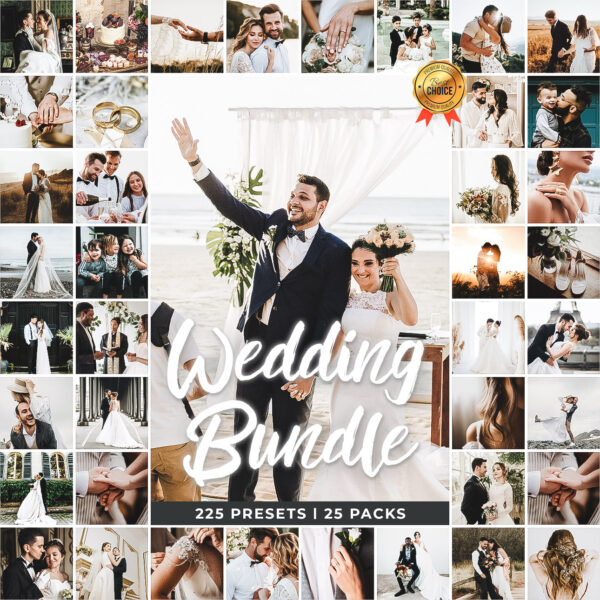
Start with the 225 Wedding Bundle or one of our larger multi-style preset bundles.
What You Get With Every Wedding Preset Pack
Wedding photographers usually need speed, consistency, and reliable file support more than flashy promises. That is why LPresets collections are designed to work across both mobile and desktop workflows and to give you a practical starting point for full gallery editing.
- DNG files for Lightroom Mobile
- XMP files for Lightroom Classic and desktop Lightroom
- instant download access
- installation resources for beginners and working photographers
Create More Consistent Wedding Galleries
If you want wedding Lightroom presets that help you edit faster, keep your galleries cohesive, and still leave room for your own style, the packs on this page are the best place to start. Browse the presets above, choose the look that fits your brand, and pair them with our install guides if you need help setting everything up.
Featured Wedding Presets
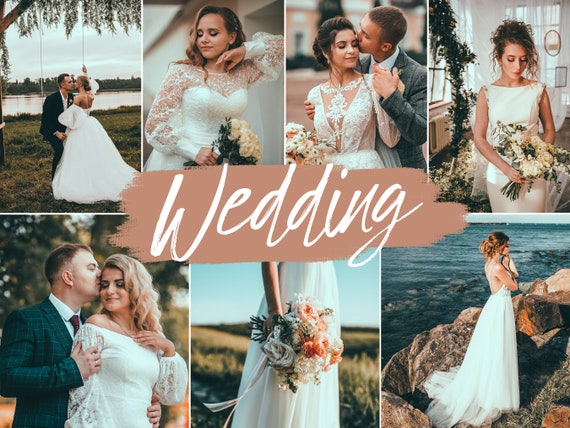 Recommended PresetWedding Lightroom Presets — Mobile & Desktop BundleView Preset
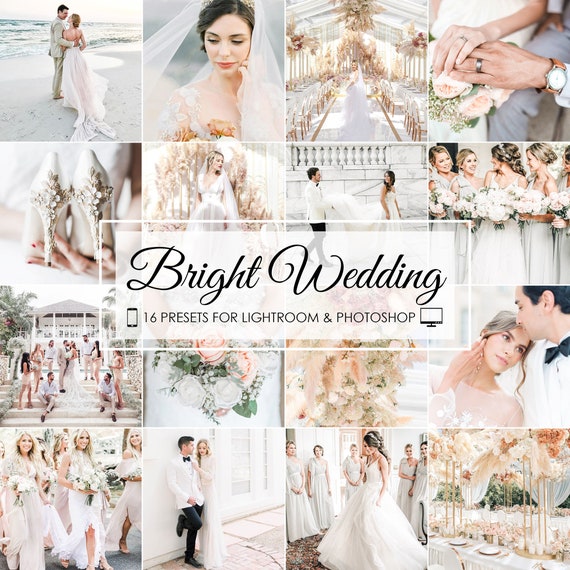 Recommended PresetBright Wedding Lightroom Presets — Mobile & DesktopView PresetRecommended PresetMoody Wedding Lightroom Presets — Mobile & DesktopView Preset
Editing the Full Wedding Day — Hour by Hour
Most preset packs are sold on a single hero image. A real wedding gallery has fifty different lighting conditions. The strongest wedding workflows use presets that hold up across the whole timeline.
- Getting-ready coverage: mixed window and tungsten light, often warm. Apply the preset, then nudge white balance cooler.
- First look and couple portraits: usually outdoor and the easiest to edit. The preset alone often gets you 90% there.
- Outdoor ceremonies: watch for hot midday sun on faces and dappled shade. Highlight recovery and shadow lift matter more than color grading.
- Indoor ceremonies: ambient warm light, often with strong window backlight. Use moody-leaning presets and protect skin tone in HSL.
- Family formals: consistency is everything — sync the same preset and exposure across the entire group set.
- Cocktail hour and golden hour: warm, flattering light. Bright-and-airy presets shine here.
- Reception and first dance: low-light, flash, or mixed ambient. Lean on moody or true-color presets and accept some noise as atmosphere.
- Dance floor and party: flash-dominant, fast pace. A single preset applied across the set keeps the run feeling cinematic instead of chaotic.
Reception, Flash, and Low-Light Wedding Editing
Receptions are where most wedding galleries fall apart. Flash exposure, color gels from DJ lighting, mixed tungsten, dance floors, and unpredictable moments all hit the same preset differently than a clean ceremony image. The wedding packs here include options built specifically for these moments.
For low-light reception and dance floor work:
- start with a moodier or true-color preset, not a bright-and-airy one
- reduce highlights to keep flash hot spots from blowing out
- do not over-lift shadows — let the venue stay atmospheric
- accept some grain; clean noise looks editorial, plastic skin does not
- watch the color cast from venue uplighting and correct selectively
Detail Shots — Rings, Florals, and Reception Decor
Wedding details get edited differently from people. Rings need clean reflections, florals need accurate color, table settings need rich contrast and texture. Generic skin-tone-optimized presets often dull these shots.
Best practice: apply your main wedding preset across the gallery for cohesion, then bump vibrance and contrast on detail shots, or use a slightly different variation for the still-life images while keeping the overall color palette consistent.
Destination, Beach, and Outdoor Wedding Editing
Destination and outdoor weddings each bring their own editing problems:
- Beach and tropical: blue casts from water and sky pull skin cool. Warm skin tones back without over-saturating the ocean.
- Garden and outdoor estates: heavy green reflections under tree canopies — pull green out of skin in HSL.
- Mountain and snow: heavy contrast, bright snow, cold ambient. Watch exposure carefully so dresses do not lose detail.
- Golden hour ceremony: the most flattering light of the day. Most presets work here with minimal adjustment.
- Midday sun: the hardest. Soften contrast and recover highlights aggressively before applying the preset.
Keeping a Wedding Gallery Cohesive at Scale
One wedding can mean 600 to 1,500 delivered images. The difference between a fast, profitable workflow and a multi-week edit usually comes down to how disciplined the photographer is about consistency, not how fancy the preset is. A few habits that help:
- edit in chronological order, scene by scene
- sync white balance and exposure across each scene before applying the preset
- commit to one preset family per wedding instead of switching mid-gallery
- use a slightly cooler variant for indoor scenes and warmer for outdoor
- do a final pass scrolling through thumbnails — anything that jumps out gets corrected
Wedding Presets vs Engagement and Portrait Sessions
Wedding day editing has different demands than engagement or bridal portrait sessions. Engagements are usually outdoor, controlled, and one consistent lighting scenario — a portrait-style preset often fits better. Wedding-day galleries need presets that survive ceremony, formals, and reception in one continuous look.
If you also shoot engagement portraits, bridal portrait sessions outside the wedding day, or general portrait work for clients, the portrait Lightroom presets page is purpose-built for that — different tuning, different priorities.
Wedding Presets for Different Editing Styles
Beyond bright-and-airy and moody, modern wedding editing has split into a few recognizable directions:
- Film-emulation: soft contrast, faded blacks, cream highlights. Looks expensive on bright sunny weddings.
- Editorial / fashion: deeper shadows, refined color, slightly desaturated reds. Works on indoor and high-end venue weddings.
- True-color / documentary: minimal stylization, accurate everything. Couples wanting timeless galleries usually book this look.
- Warm romantic: golden, glowing skin tones, lifted shadows. Flattering for outdoor and golden-hour ceremonies.
- Dark and rich: deeper blacks, muted greens, painterly tones. Strong for fall, winter, and barn or estate weddings.