

Cinematic lightroom presets
Browse the full collection of cinematic Lightroom presets from LPresets. Every pack in this category is built to give your photos the dramatic, film-style look you see in high-end editorial work, music videos, and modern movies — without spending hours in the editing panel. These presets work in Lightroom Mobile and Lightroom Classic, install in under a minute, and deliver consistent results across portraits, street photography, landscape, lifestyle, and fashion shoots.
 −50%
−50%  −60%
−60% 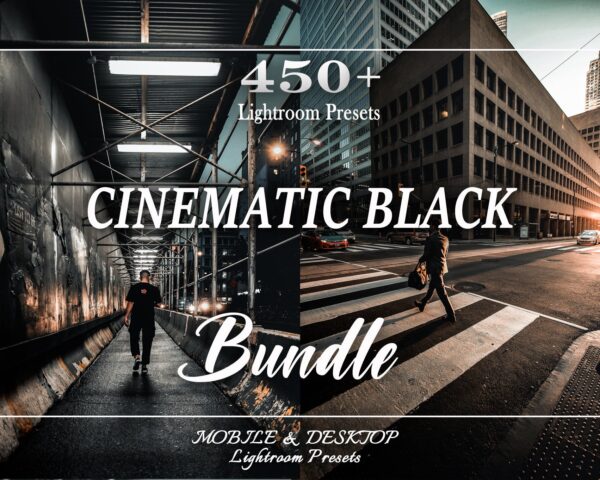 Bundle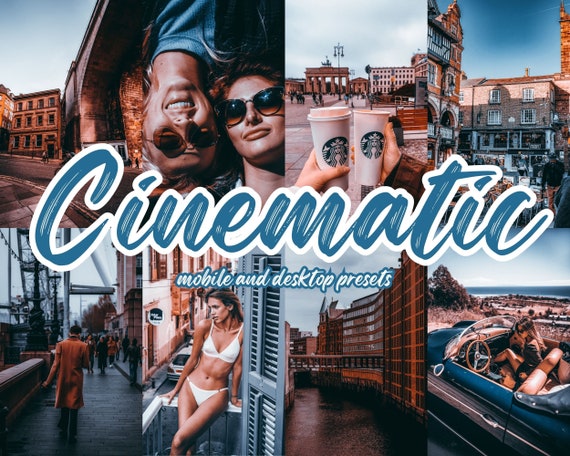
 Bundle
  −50%
−50% 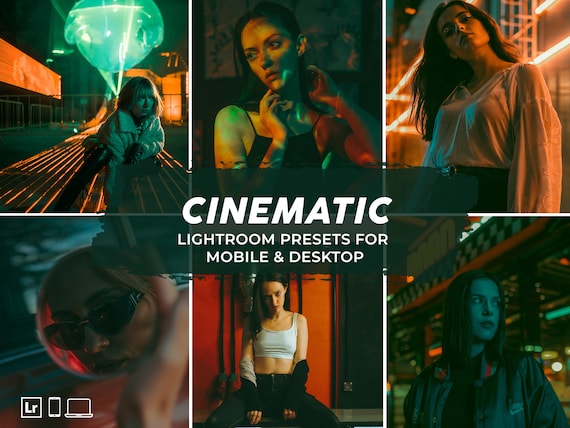

 −60%
−60% 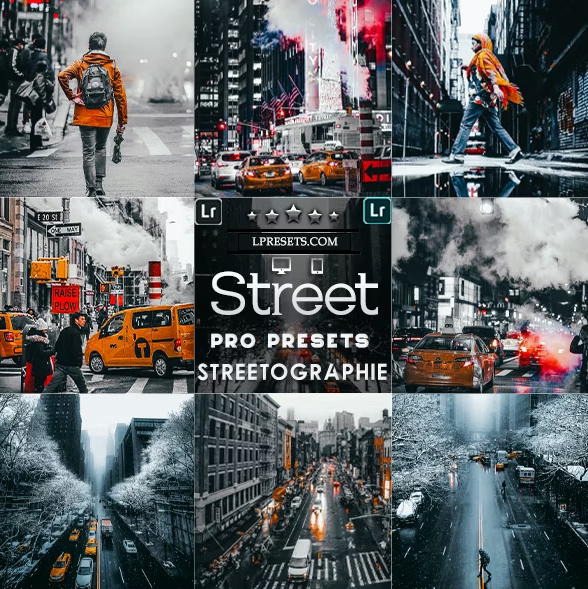 −60%
−60% Cinematic lightroom presets
What Are Cinematic Lightroom Presets?
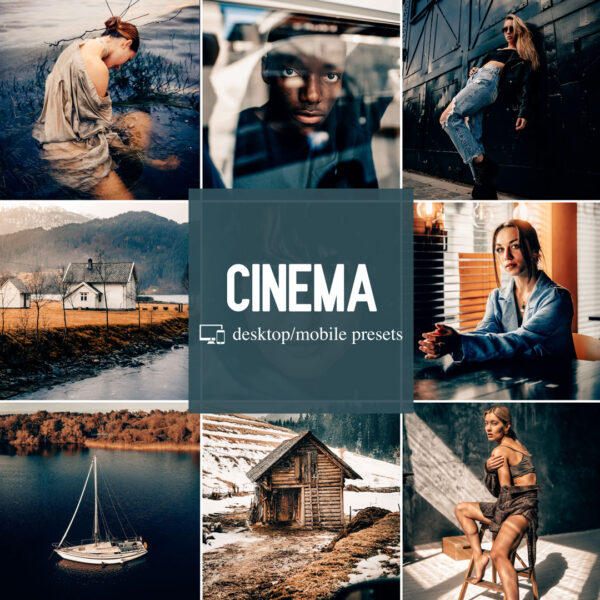
Cinematic presets replicate the colour grading techniques used in professional film and video production. That means controlled highlights, lifted shadows, shifted colour tones, and reduced saturation in specific channels — the same tools a colorist uses on a feature film, applied to a single click in Lightroom. The result is a photo that feels more intentional, more dramatic, and more polished than a standard auto-edited image.
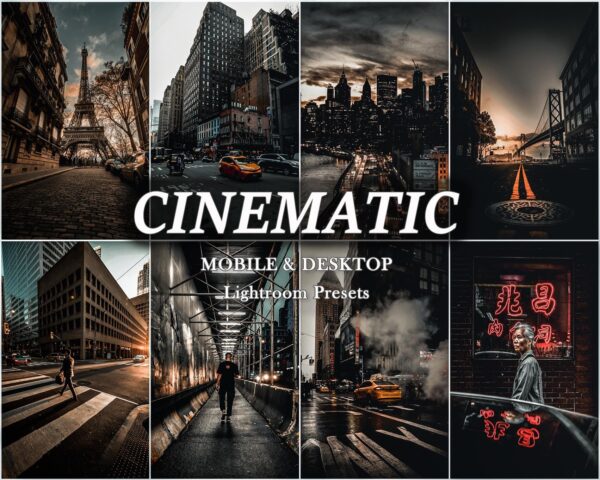
Common cinematic looks include deep teal-and-orange shadows, moody desaturated skies, rich black tones with preserved skin highlight, and matte film finishes with slightly faded blacks. LPresets cinematic packs cover all of these — and they're designed to work as starting points you can fine-tune, not locked one-click filters.
Cinematic Presets for Lightroom Mobile and Desktop
Every cinematic preset pack in this collection includes DNG files for Lightroom Mobile and XMP files for Lightroom Classic and Lightroom CC. One purchase covers your full setup — Mac, Windows, iPhone, and Android. If you're new to installing presets, see our step-by-step Lightroom preset installation guide or our breakdown of what a DNG file is.
Dark and Moody Cinematic Lightroom Presets
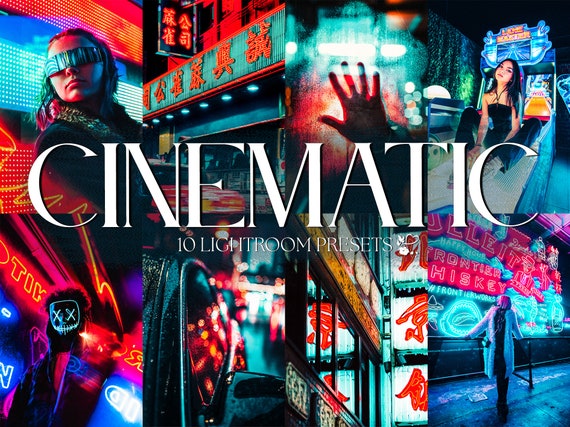
Dark cinematic presets work especially well for night photography, urban street scenes, moody portraits, and dramatic landscapes. The key is controlled shadow detail — deep blacks that still hold texture in the subject. Our dark cinematic packs balance shadow lift and contrast so your images stay dramatic without losing the detail that makes them interesting.
Popular dark cinematic styles in this collection include night city tones, black car editorial looks, dark moody portrait filters, and low-key lifestyle presets built for social media and print.
How to Use Cinematic Presets in Lightroom
After installing your preset files, open any photo in Lightroom and tap or click the preset to apply it. From there, make small adjustments based on the image in front of you:
- Adjust exposure first so the subject sits at the right brightness
- Fine-tune white balance to match your light source (daylight vs tungsten vs shade)
- Pull highlights down if skies or windows are blowing out
- Use HSL to shift the teal or orange tones if they feel too strong for your scene
- Check shadows to keep detail in darker areas, especially for portraits and dark clothing
Cinematic presets tend to need small adjustments when moving between different lighting conditions. A golden-hour portrait will need different exposure treatment than an overcast street scene, even within the same pack.
Best Uses for Cinematic Lightroom Presets
Cinematic colour grading works across a wide range of photo styles. The presets in this collection are used by:
- Portrait photographers building a more editorial, fashion-forward aesthetic
- Automotive photographers adding drama and depth to car shoots
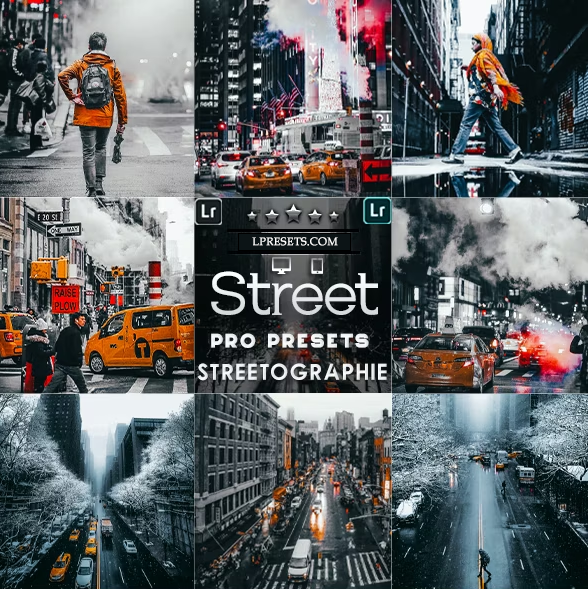
- Street photographers enhancing the mood and atmosphere of urban scenes
- Travel creators giving their landscape and architecture images a polished film finish
- Social media creators building a consistent visual identity across Instagram and TikTok content
- Wedding photographers adding a timeless, editorial quality to couples and venue shots
Cinematic Presets vs Standard Presets
Standard presets correct and enhance. Cinematic presets interpret. Where a standard preset might boost saturation and clarity across the board, a cinematic preset shifts specific colour channels, introduces a stylised tonal curve, and builds contrast in a way that references film and video production techniques. If you want your photos to feel intentional and visually distinct — not just technically clean — cinematic presets are the right tool.
If you're not sure which style matches your work, browse the preview images in each pack below. Every product page shows before-and-after comparisons taken on real photos across different lighting conditions.
Frequently Asked Questions — Cinematic Presets
Do cinematic presets work on portrait photos?
Yes. Most cinematic packs are tested across portrait, street, landscape, and lifestyle scenes. Results vary depending on skin tone and lighting — preview on a test image before applying to a full gallery.
Do these work in Lightroom Mobile on iPhone or Android?
Yes. Every pack includes DNG files for Lightroom Mobile. No desktop required — you can install and use them entirely on your phone.
Will cinematic presets work on my original RAW files?
Yes. Presets are designed for RAW files and will produce the best results with RAW. They can also be applied to JPEG files, but the editing range is more limited.
Can I combine cinematic presets with my own edits?
Yes. Apply the preset as a base and then adjust exposure, white balance, highlights, and shadows to fit the specific image. Presets are starting points, not locked effects.
What's the difference between the cinematic packs?
Each pack covers a specific cinematic look — some are darker and moodier, others use teal-and-orange tones, others focus on matte film finishes or desaturated editorial styles. Browse the product pages below for side-by-side previews before purchasing.