Lightroom Preset Bundles
A Lightroom preset bundle is the fastest way to build a full editing toolkit without buying one small pack at a time. If you shoot different subjects, work with different clients, or simply want more flexibility in your workflow, a bundle gives you broader style coverage for a better overall value. Instead of being locked into one look, you get access to multiple editing directions in one purchase.
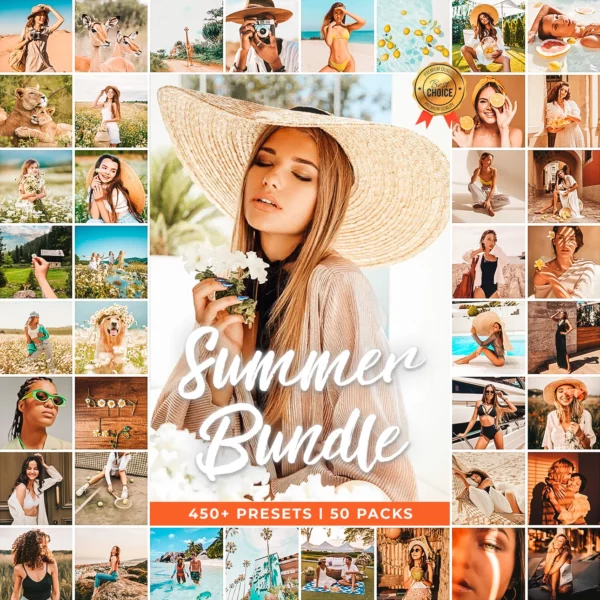
Our bundle collection is built for photographers, creators, and editors who want more range. Whether you shoot weddings, cars, portraits, travel, lifestyle, products, or social content, these Lightroom preset bundles help you move faster and keep your edits consistent across different projects.
-
-
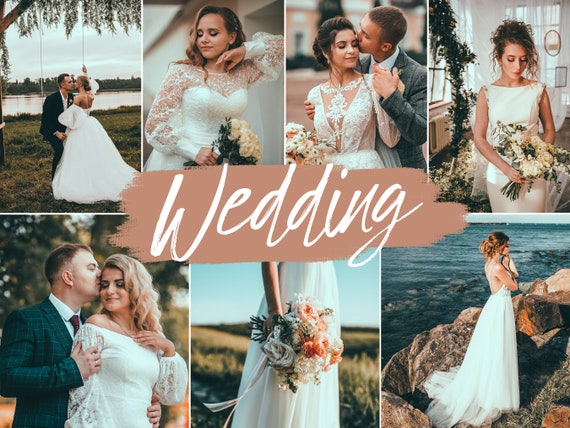
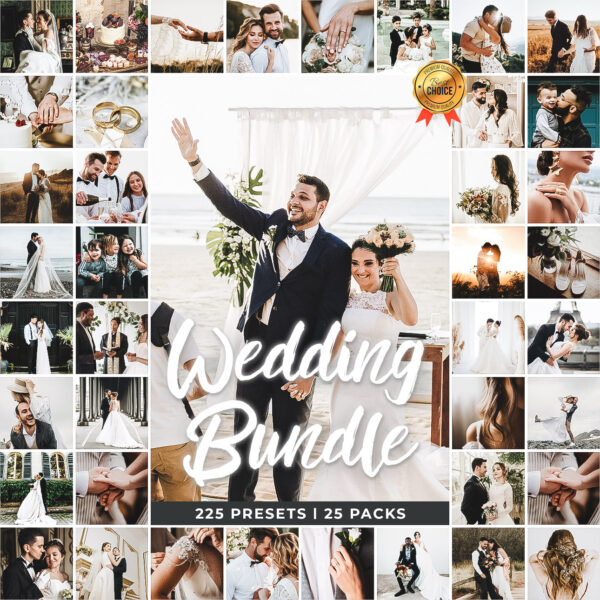
Bundles, Wedding Lightroom Presets
Original price was: $249.99.$25.99Current price is: $25.99. Add to cart -
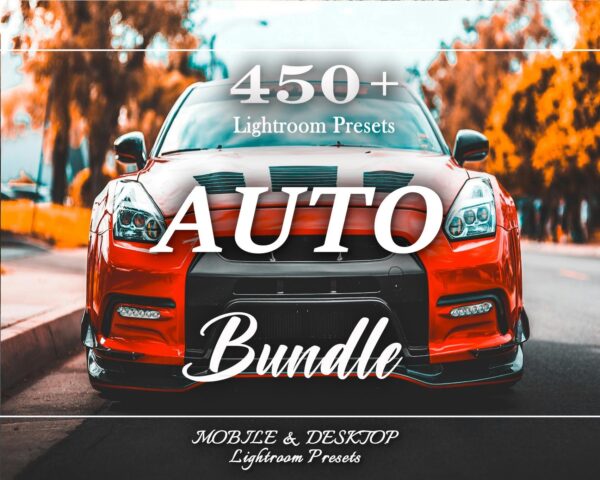
Bundles, car lightroom presets, LightRoom Presets
Original price was: $49.99.$14.99Current price is: $14.99. Add to cart -
-

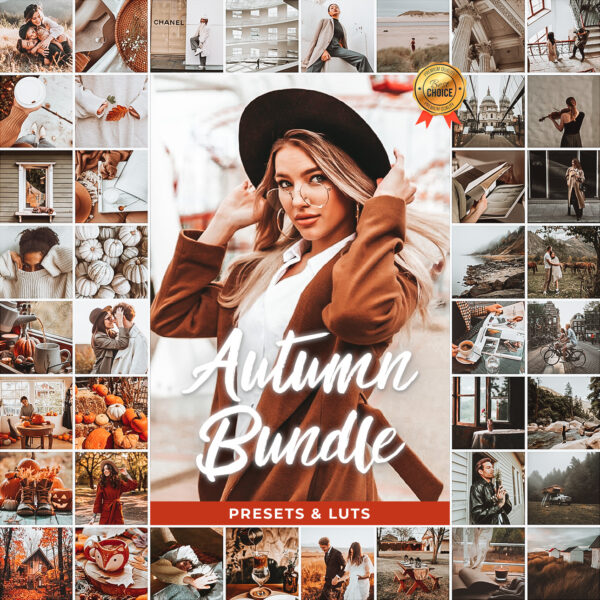
Why Buy a Lightroom Preset Bundle Instead of Individual Packs
The biggest advantage of a bundle is flexibility. A single preset pack can be great for one style, but real workflows usually change from shoot to shoot. One client may want clean true-to-color edits while the next wants something moodier or more cinematic. Bundles let you adapt without starting over every time.
A good preset bundle helps you save money compared with buying multiple packs separately, cover more niches and editing styles with one purchase, build a faster workflow for different clients and lighting situations, test new visual directions without rebuilding edits from scratch, and keep both mobile and desktop editing tools in one library.
How to Pick the Right Lightroom Preset Bundle
The best bundle depends on how wide your work is and how much variety you want. If you only shoot one niche, a specialized pack may be enough. If you shoot multiple subjects or want the strongest value, a larger bundle usually makes more sense.
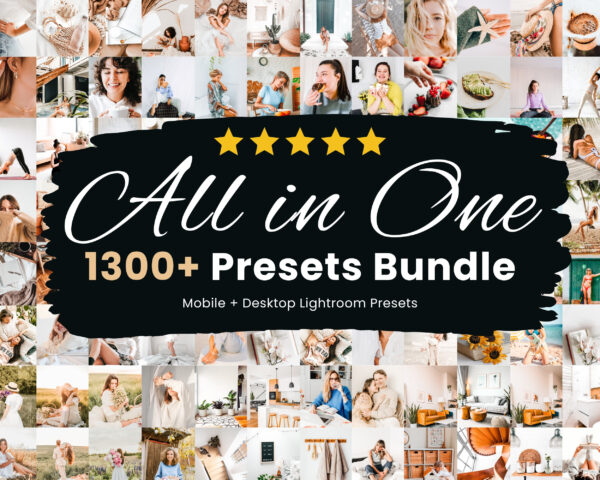
You shoot a little of everything: start with the 1300+ Mega Bundle. It is the best all-around choice when you want broad coverage in one purchase.
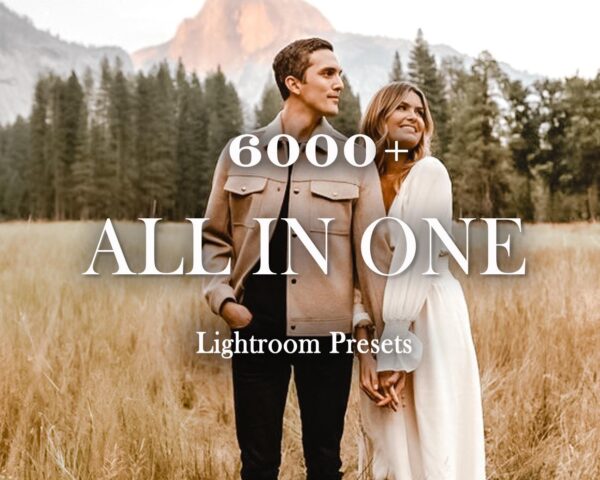
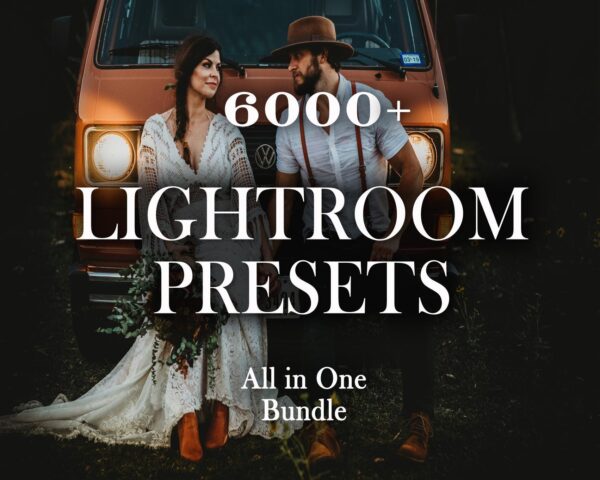
You want the largest library possible: the 6000+ Bundle is built for editors, studios, and heavy-volume users who want the widest range of looks.
You mainly shoot cars: the 450+ Car Bundle is the best fit for automotive and moto work.
You mainly shoot weddings: the 225 Wedding Bundle gives you more wedding-focused styles across full gallery workflows.
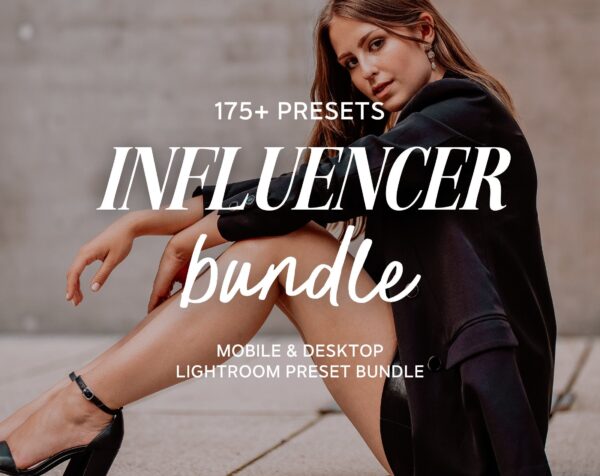
You create content for social media: the 175 Influencer Bundle is a strong option for aesthetic, feed-friendly edits.
Best Bundle Use Cases
Lightroom preset bundles work especially well when you do not want to be boxed into a single editing style. They are a strong fit for photographers handling multiple niches and client types, creators who need different looks for Instagram and portfolios, beginners testing many styles before settling on one signature look, editors who work in batches and need more than one preset family, and teams or studios that need a bigger shared editing library.
Mobile and Desktop Files Included
Every bundle includes XMP files for Lightroom Classic and Lightroom desktop plus DNG files for Lightroom Mobile. That means one purchase works across Mac, Windows, iPhone, and Android. If you need help installing everything, start with our Lightroom preset install guide and our quick guide to DNG preset files.
When a Bundle Is Better Than a Free Preset
Free presets are useful for testing a style, but a paid bundle gives you more range, more polish, and more flexibility across real editing scenarios. If you want a preview first, visit our free Lightroom presets page. If you already know presets save you time, a larger bundle is usually the better long-term value.
How to Use a Preset Bundle More Effectively
Buying more presets only helps if you can choose the right one quickly. The easiest approach is to organize your bundle by shooting type and mood. Keep a few favorite starting points for bright edits, moody edits, clean commercial edits, and cinematic looks. Over time, you will build a faster decision-making system and spend less time clicking through options.
- pick 3 to 5 favorites for each major shoot type
- use one preset family per gallery to keep the final delivery cohesive
- save small exposure and white balance corrections as part of your workflow
- use broader bundles for testing, then narrow down to your best-performing looks
Related Collections to Explore
If you already know your main niche, you may also want a more focused page alongside a large bundle. Explore our dedicated car Lightroom presets page for automotive work and our wedding Lightroom presets page for full wedding gallery editing.
Frequently Asked Questions About Lightroom Preset Bundles
Are Lightroom preset bundles worth it?
Yes, especially if you shoot multiple subjects or want better value than buying several individual packs separately.
Do bundles work on Lightroom Mobile?
Yes. Every bundle includes DNG files for Lightroom Mobile and XMP files for desktop versions of Lightroom.
What is the best bundle for beginners?
The 1300+ Mega Bundle is usually the strongest starting point because it gives you wide style coverage without needing multiple separate purchases.
What if I only shoot one niche?
A niche-specific bundle like the wedding or car bundle may be the better fit if your work is focused and consistent.
Do I need a subscription to use these presets?
No subscription is required from us to receive your files and downloads.
What Is Included in a Good Preset Bundle
A useful bundle should do more than dump hundreds of random looks into one folder. The best bundles give you organized styles, support both mobile and desktop workflows, and make it easy to test different looks without rebuilding your process every time.
- DNG files for mobile editing
- XMP files for Lightroom Classic and desktop
- broader style coverage in one purchase
- installation help and support content for setup
Choose a Bundle That Matches Your Workflow
If you want more flexibility, better value, and a faster editing setup, a Lightroom preset bundle is the smartest place to start. Browse the bundles above, choose the size that matches your workflow, and use our install resources if you want help getting everything running on mobile or desktop.
If you want a buyer-focused comparison before choosing, read our guide to the best Lightroom preset bundles for a simpler breakdown of which bundle type fits which user.