

Free Lightroom Presets
Free Lightroom presets are the easiest way to test a new editing style before you buy a full collection. If you want to speed up your workflow, learn how presets work, or try professional looks in Lightroom Mobile and Lightroom desktop, this page is the best place to start. These are not fake teaser files or unusable demos. They are real preset files you can install and apply to your own photos right away.
Whether you shoot portraits, lifestyle, travel, weddings, cars, or everyday creator content, free presets give you a low-risk way to experiment with different looks and figure out what style actually fits your images. They also help beginners understand how DNG and XMP presets work before moving into larger paid collections.
Why Use Free Lightroom Presets First
Not every editor wants to buy a huge preset bundle on day one. Free Lightroom presets help you test the process, compare different styles, and learn how much time presets can save you before making a bigger purchase.
They are especially useful when you want to:
- try Lightroom presets before buying a premium pack
- learn how mobile and desktop preset files work
- build a faster workflow for social media or client photos
- compare bright, moody, cinematic, and clean editing styles
- find out which preset direction fits your personal brand
What You Can Expect From a Good Free Preset Pack
A strong free preset should still be usable in real editing, not just marketing filler. The best ones give you a clean starting point, work across different image types, and install without extra hassle. Good free presets should help you understand what a larger premium collection would feel like in day-to-day editing.
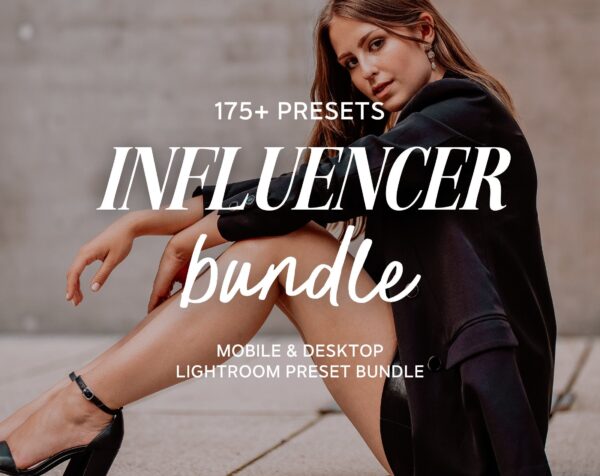
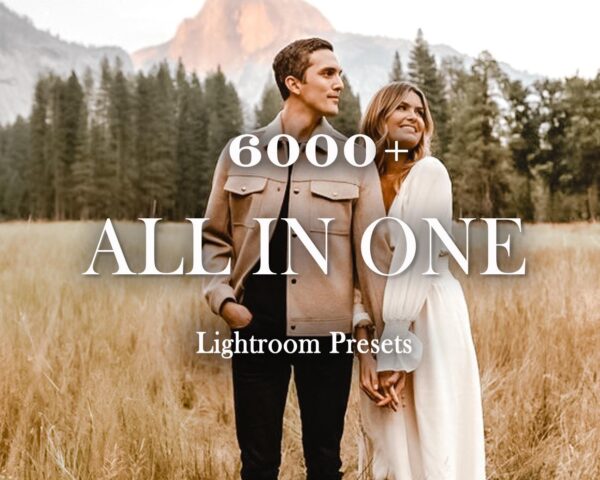
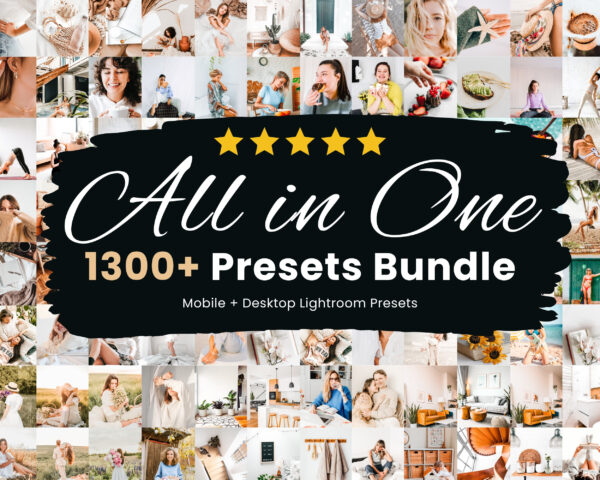
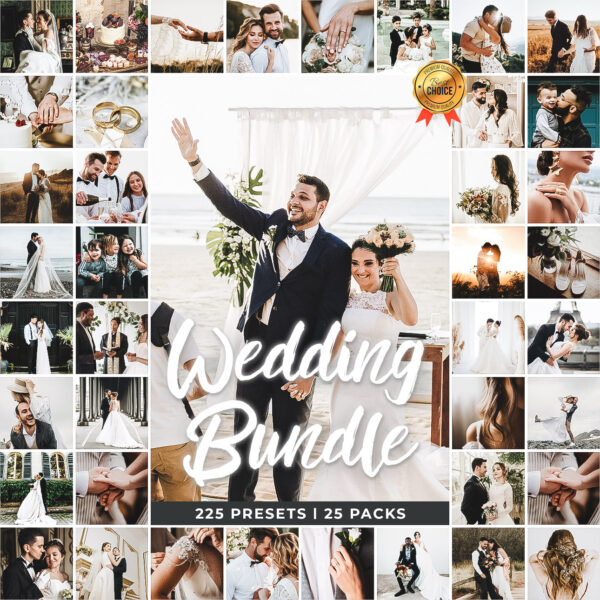
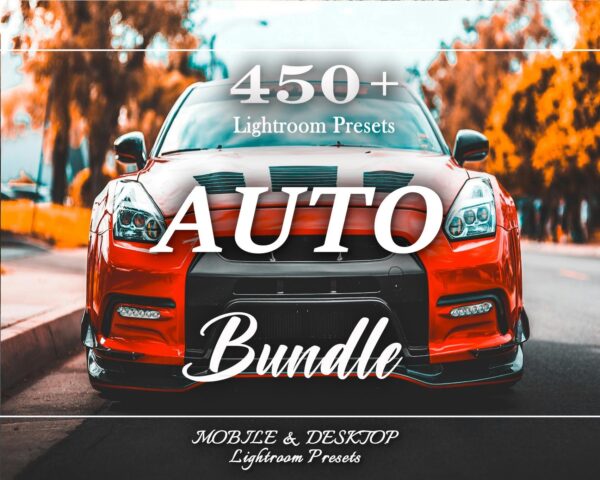
That is why this page is connected to broader collections like our Lightroom preset bundles, plus more focused pages like car Lightroom presets and wedding Lightroom presets if you already know your niche.
-
-
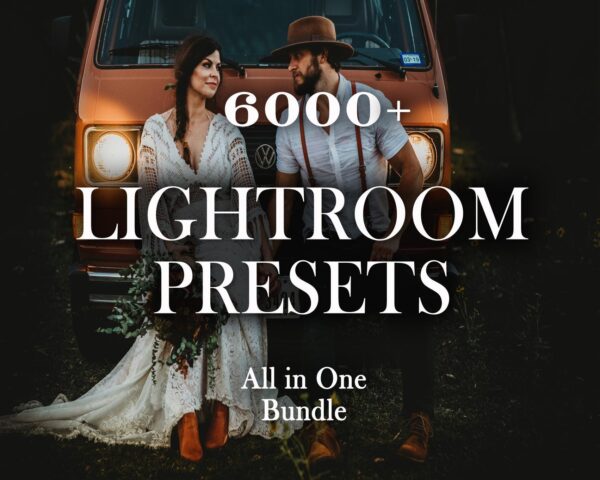
Bundles, Wedding Lightroom Presets
Original price was: $249.99.$25.99Current price is: $25.99. Add to cart -
Bundles, car lightroom presets, LightRoom Presets
Original price was: $49.99.$14.99Current price is: $14.99. Add to cart -


How to Install Free Lightroom Presets
You can use free presets on both desktop and mobile. Most preset downloads include XMP files for Lightroom Classic or Lightroom desktop and DNG files for Lightroom Mobile. If you want the full walkthrough, see our Lightroom preset installation guide.
Desktop install: open Lightroom, go to the Develop module, right-click Presets, choose Import Presets, and select the XMP files.
Mobile install: open the DNG preset in Lightroom Mobile, copy the settings, then paste them onto your own photo.
Free Presets vs Paid Preset Bundles
Free presets are useful for testing, but paid bundles usually give you more consistency, more niche-specific styles, and better coverage across different lighting conditions. If you only need a few looks for casual editing, a free preset may be enough. If you edit often or want more control, a paid bundle usually saves more time in the long run.
That is why many users start here, then move up to one of our larger preset bundles once they know which styles they actually use.
Best Uses for Free Lightroom Presets
Free Lightroom presets are a strong fit for:
- beginners learning Lightroom Mobile or Lightroom Classic
- content creators testing styles for Instagram and TikTok
- photographers comparing editing looks before buying a bigger pack
- students and hobbyists building their first editing workflow
- anyone who wants quick edits without starting from zero
Where to Go Next After Trying Free Presets
If you want broader coverage after testing free presets, our Lightroom preset bundles page is the best next step. If you shoot a specific niche, jump straight into a focused collection like car Lightroom presets, wedding Lightroom presets, or real estate Lightroom presets.
If you still need help understanding preset formats, our DNG file guide explains what mobile preset files actually do and how they differ from XMP files on desktop.
Frequently Asked Questions About Free Lightroom Presets
Do free Lightroom presets work on Lightroom Mobile?
Yes. If the download includes DNG files, you can use them in Lightroom Mobile on iPhone or Android.
Do they also work on desktop?
Yes. XMP files work with Lightroom Classic and Lightroom desktop.
Are free presets enough for professional work?
They can be useful as a starting point, but paid collections usually give you more consistency and more targeted styles for client work.
What should I try after free presets?
If you want more variety and stronger results, start with our preset bundles or browse niche pages like car and wedding.
How do I know if I need DNG or XMP files?
Use DNG files for Lightroom Mobile and XMP files for Lightroom Classic or Lightroom desktop.
Why Free Presets Lead Into Better Results Later
Free presets are useful because they let you test real workflow improvements before spending money on a larger collection. Once you know what style suits your photos and which device you edit on most, upgrading becomes much easier and more intentional.
- try a look before buying a full collection
- learn how DNG and XMP files behave in your workflow
- move into larger bundles only when you know what you actually use
Start With Free Presets, Then Build Your Workflow
If you want a no-pressure way to improve your edits, free Lightroom presets are the right place to begin. Test a few looks, learn what style suits your images, then move into broader bundles or niche collections once you know what you actually need.