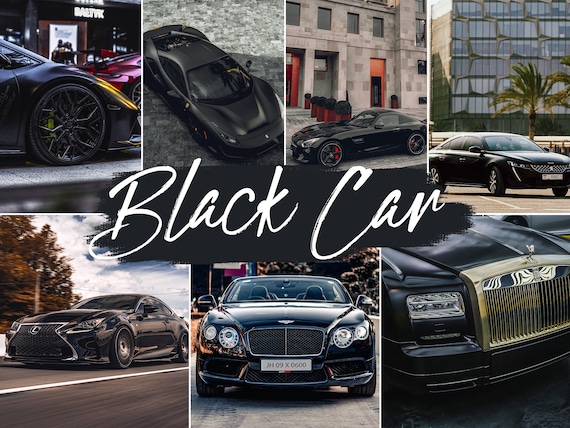
Black cars are some of the hardest vehicles to edit well. They can look premium and dramatic in the right light, but they can also lose shape, detail, and body lines faster than almost any other paint color. That is why the best presets for black cars are not just darker versions of regular automotive edits. They need to protect shadow detail, keep reflections under control, and preserve the depth that makes black paint look expensive instead of flat.
This guide breaks down the best preset styles for black cars, when each one works best, and how to get stronger results whether you edit on Lightroom Mobile or desktop.
Why Black Cars Need Different Preset Treatment
Dark paint reacts differently than white, silver, or brightly colored vehicles. Reflections dominate the image more aggressively, shadows crush faster, and poor contrast decisions can make the whole car disappear into the background. A preset for black cars should help keep the vehicle readable while still delivering the moody premium look people usually want.
Best Preset Styles for Black Cars
Dark and moody presets: These are usually the best starting point because they add depth without making the paint look washed out. The best ones lift just enough detail to keep the body shape visible.
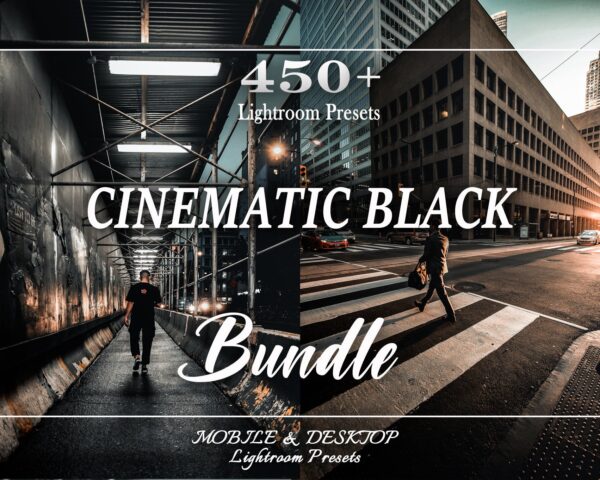
Cinematic presets: A strong option if you want a more dramatic editorial feel, especially for night scenes and city backgrounds.
Clean commercial presets: Better for listings, dealership-style images, or any photo where color accuracy and clarity matter more than atmosphere.
Best Lighting Conditions for Black Car Presets
- Golden hour: excellent for moody and cinematic styles because warm reflections add dimension.
- Overcast light: good for clean edits because shadows stay manageable.
- Night scenes: best for cinematic and urban presets that can handle artificial light.
What to Adjust After Applying the Preset
Even the best black car preset still benefits from small manual corrections.
- lift shadows carefully so the paint keeps detail
- reduce highlights if sky reflections are too harsh
- watch white balance so black paint does not drift green or blue
- use masking if the background needs a different look than the car
Mobile or Desktop: Does It Matter?
Both can work. Mobile is faster if you edit on the go. Desktop is better if you need finer control over reflections and masking. Packs that include both DNG and XMP files are the most practical if you move between devices.
Where to Find Better Black Car Presets
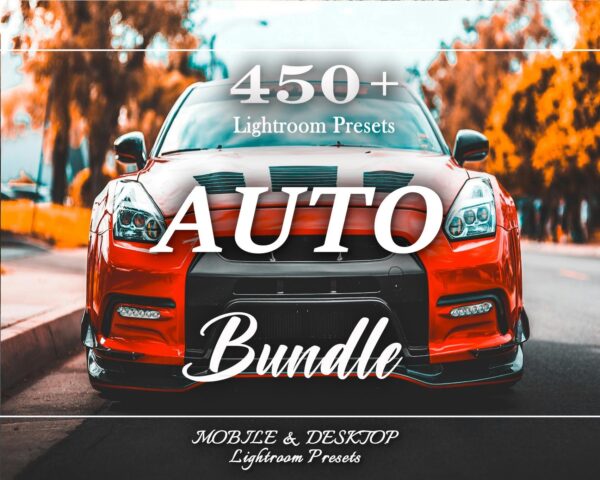
If black-car editing is one of your main use cases, start with the full car Lightroom presets hub. If you also want broader style coverage for other subjects, compare our Lightroom preset bundles.
Frequently Asked Questions About Black Car Presets
What is the best preset style for black cars?
Usually dark and moody or cinematic presets, depending on the scene.
Do black cars need different presets than white cars?
Yes. Dark paint usually needs more help with shadow detail and controlled reflections.
Are black car presets good for night photography too?
Yes, especially cinematic styles built for artificial light and deeper contrast.