
Free Lightroom presets are still one of the easiest ways to improve your photos quickly without committing to a full paid collection. If you want a faster editing workflow, a more polished Instagram feed, or a way to test Lightroom presets before buying a premium pack, this page is a practical starting point.
This guide explains what makes a good free preset pack, how to install presets on mobile and desktop, and where to go next if you want more styles, more consistency, or a niche-specific collection.
Why Free Lightroom Presets Are Worth Trying
Free presets help you test how presets fit your workflow before you invest in a bigger collection. They are especially useful if you are new to Lightroom, edit mainly on your phone, or want to compare bright, cinematic, clean, and moody looks without spending money first.
What a Good Free Preset Pack Should Include
The best free preset packs still need to be usable. A good free pack should help you see whether the style fits your photos and whether the workflow feels easy enough to keep using.
- DNG files for Lightroom Mobile
- XMP files for Lightroom desktop or Lightroom Classic
- simple installation instructions
- styles that work across more than one image type
Best Uses for Free Lightroom Presets
Free presets are especially good for:
- testing a style before buying a premium pack
- learning how DNG and XMP presets work
- making quick edits for social content
- building a simple starter workflow on mobile or desktop
How to Install Free Lightroom Presets
If you are editing on desktop, you usually import XMP files directly into Lightroom. If you are editing on mobile, you usually import DNG files, copy their settings, and paste those settings onto your own image. For the full walkthrough, use our Lightroom preset installation guide.
Free Presets for Lightroom Mobile vs Desktop
Both workflows work well, but they feel different. Mobile presets are fast and convenient for creators editing on the go. Desktop presets are usually easier for photographers handling larger image sets. If you want a clearer breakdown, read Lightroom Mobile vs Lightroom Classic for presets.
Free Presets vs Paid Preset Bundles
Free presets are helpful for testing, but premium bundles usually give you more style variation, more niche coverage, and more consistent results across different lighting situations. If you already know presets save you time, a broader preset bundle will usually give you better long-term value.
Where to Go After Trying Free Presets
If you like the workflow but want more options, the next step depends on how you shoot:
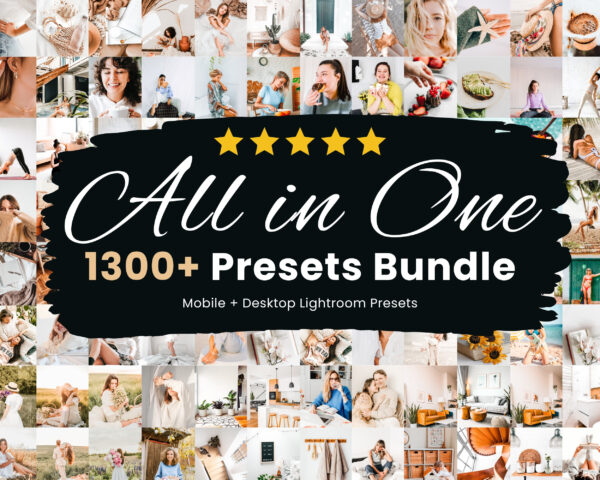
- For broad coverage: use our Lightroom preset bundles.
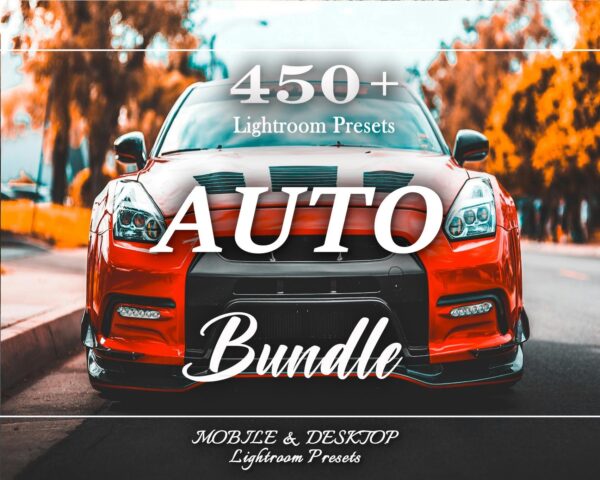
- For automotive work: use our car Lightroom presets.
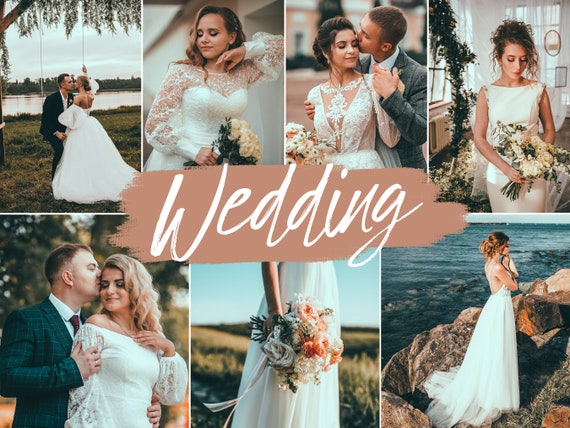
- For weddings: use our wedding Lightroom presets.
- For real estate: use our real estate Lightroom presets.
Common Questions About Free Lightroom Presets
Do free presets work on Lightroom Mobile?
Yes, if the pack includes DNG files.
Do they work on desktop?
Yes, if the pack includes XMP files.
Are free presets enough for professional work?
Sometimes as a starting point, but paid collections usually give better consistency and more range.
How do I know if I need DNG or XMP?
Use DNG for Lightroom Mobile and XMP for Lightroom Classic or Lightroom desktop.
Start Free, Then Build a Better Workflow
Free Lightroom presets are a smart first step if you want to test styles, learn the workflow, and improve your edits quickly. Once you know what works for your photos, it becomes much easier to choose the right premium collection, niche hub, or bundle.