
...

Instant Downloads

Top premium Presets

Professional Preset Bundle

Adobe Lightroom Course — Beginner to Advanced (10 Videos)

Go from complete beginner to confident photo editor. This 10-video Adobe Lightroom course walks you through every tool, technique, and workflow you need to edit stunning photos professionally. Instant access after purchase.

Designed for creators who want faster, better edits
Original price was: $299.99.Current price is: $49.99.
Save 83%
  • Works on iPhone, Android, Mac & PC
  • Instant Download
  • Beginner Friendly
  • Mobile + Desktop Files Included
Limited Time Sale — Save 83% ($250.00 off)
Instant Download
Secure Checkout
Money-Back Guarantee
Unlimited Use
Secure checkout. Instant access after purchase. Easy import instructions included.
⭐ Built for lightroom course creators & photographers
Before & After

See the Transformation

These presets are designed to instantly enhance lighting, contrast, detail, and tone — making every photo look polished and scroll-stopping.

Adobe Lightroom Course — Beginner to Advanced (10 Videos) result 1
Cinematic contrast
Value Stack

What You Get

A complete editing pack built for automotive creators who want professional results without spending hours tweaking every image.

  • Premium Lightroom presets included
  • Cinematic, moody, clean, bright, and high-contrast looks
  • Mobile DNG + desktop XMP files included
  • RAW and JPG compatible workflows
  • Installation guide for fast setup
Perfect For

Built for Lightroom Course

Whether you shoot for fun or for business, this pack helps you create a consistent, premium visual style across every photo.

  • Photographers and content creators of all levels
  • Social media creators and influencers
  • Bloggers, brands, and marketing creatives
  • Anyone who wants faster editing with professional results
  • Creators who want consistent visual branding across their feed
Compatibility

Works on All Devices

Lightroom Mobile

Fully compatible with iPhone and Android editing workflows.

Lightroom Desktop

Works on Mac and Windows with modern Lightroom versions.

RAW + JPG

Use them on professional camera files or phone photos.

Easy Setup

Import, apply, and customize in seconds — no experience needed.

How It Works

Get Professional Edits in 3 Steps

Download

Get instant access to your files right after purchase.

Import

Add the presets to Lightroom Mobile or Desktop in minutes.

Apply

Use one click to transform your photos, then fine-tune if needed.

Why It Converts

Turn Ordinary Photos Into Scroll-Stopping Edits

Stop fighting flat lighting and dull color. These presets are built to create richer tones, stronger contrast, and a polished look that feels consistent across your whole feed.

  • Richer cinematic tones
  • Cleaner highlights and deeper contrast
  • Sharper, more professional presentation
  • Consistent visual branding for social media
FAQ

Common Questions

Will these work on my photos?

Yes. They are designed for a wide range of lighting conditions, and you can always make small exposure tweaks for a perfect final result.

Do I need editing experience?

No. Beginners can use these presets immediately with one-click edits.

Do they work on mobile?

Yes. Mobile and desktop files are both included.

How do I install them?

Your download includes setup guidance so you can get started quickly.

More Details

Everything Included

Adobe Lightroom Course
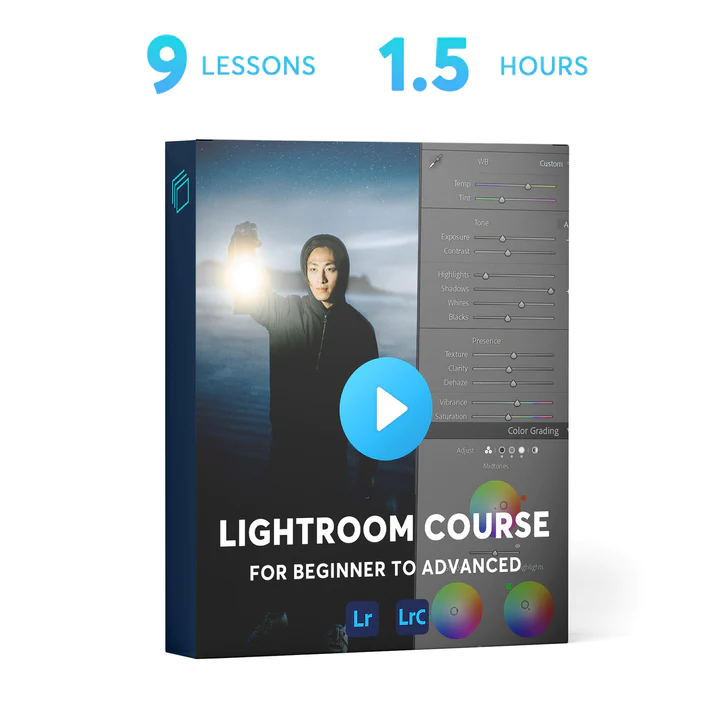
Lightroom Course for Beginner to Advanced
Lightroom Course for Beginners to Advanced

Includes

Includes:  10 – MP4 Videos
Files: MP4
File Size: 3.50 GB
Delivery: Direct Digital Download

10 Videos

1-  Library Panel _ Optimisation
2 – Develop Panel
3 – Colour Theory
4 – Earthy Tone Editing
5 – Blue Tone Editing
6 – Green Tone Editing
7 – Lowlight Editing
8 – Portrait Editing
9 – Commercial Editing
10 – Exporting _ Photoshop


Why are Adobe Lightroom Skills Important?

Adobe Lightroom is a powerful app for both large file collection management and photo editing. There is a whole market on Lightroom presets that you can buy (or sell) from famous artists and photographers and apply to your work right away.

Learning Lightroom can be a valuable skill for photographers, content creators, influencers, and designers as this tool can be applied for creating professional looking edits for your photos, and improving your workflow.

On an average, the cost of editing a photo is around $90 per hour, and you can easily see freelancers charging $40 per photo on well-known platforms. As a freelance photographer, you can save up some money and develop your own style, or even sell your services online. If you are working for a company, now you know how valuable photo editing services can be.

 

Lightroom Course for Beginners to Advanced

Get Started

Start Editing Like a Pro Today

Get instant access and upgrade your photos with a professional editing workflow — ready to use in minutes.

Adobe Lightroom Course — Beginner to Advanced (10 Videos)
Original price was: $299.99.Current price is: $49.99.
Transform Your Photos in 1 Click

Professional editing made simple

Works on Desktop & Mobile

Perfect for Lightroom CC and Classic

Free Bonus Presets

Get 5 free presets with every bundle

Lifetime Updates

All future updates included free