


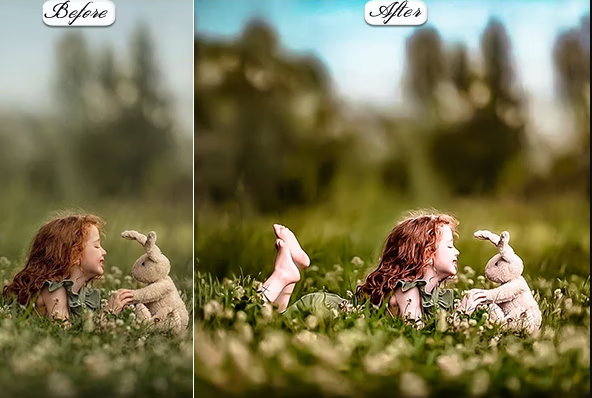
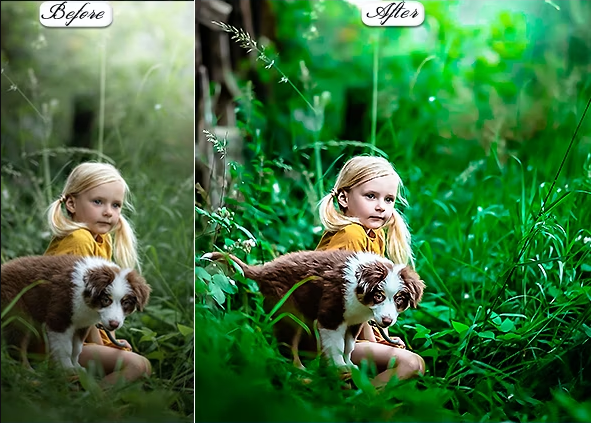
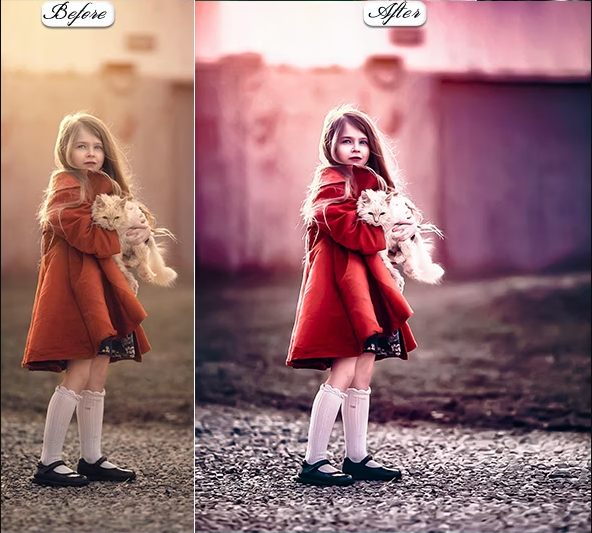
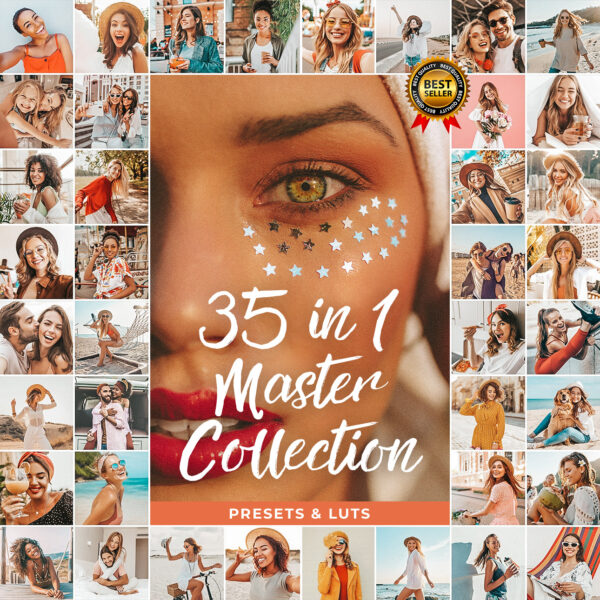
Achieve flawless, professional portrait results in one click. These HDR presets enhance skin tones, boost depth, and deliver the polished editorial look your subjects will love.
What you’ll get
- Mobile Lightroom presets (.dng)
- Desktop Lightroom presets (.xmp)
- Step-by-step installation guide for mobile & desktop (.pdf)
- Instant download — files are available the moment your payment is confirmed
- Friendly 24/7 support
Compatibility
- Free Lightroom mobile app (iOS & Android)
- Lightroom CC & Lightroom Classic (desktop)
- Works with RAW, JPG & PNG photos
- Compatible with all current Lightroom versions
Perfect for
- Portrait photographers
- Editorial & beauty shots
- HDR & high-detail looks
- Professional client galleries
Frequently asked questions
What does the HDR look add?
Extra depth, clarity, and dynamic range — richer detail and a polished, professional editorial finish on portraits.
Do these work on the free Lightroom mobile app?
Yes. The mobile (.dng) presets install in the free Lightroom app on both iOS and Android — no paid subscription needed. Desktop (.xmp) versions are included too.
Can I adjust the presets after applying them?
Absolutely. Each preset is a one-tap starting point that you can fine-tune — lower the strength for a subtler look or tweak exposure to match your photo.




Reviews
There are no reviews yet.