

Portrait Lightroom Presets for Every Skin Tone and Setting
Portrait photography lives or dies on skin. A preset that works for a beach travel image is rarely the right preset for a corporate headshot, a newborn session, or a beauty portrait of someone with deeper skin tones. The portrait Lightroom presets on this page are curated specifically for portrait, headshot, and lifestyle work where natural-looking skin, balanced tones, and flattering contrast actually matter.
If you photograph headshots, family portraits, beauty, lifestyle, newborns, or general portrait sessions, these packs give you a faster, more reliable starting point than generic film-style presets that were built for landscape or travel work.
-
-
-
-
Black Presets, Portrait lightroom presets
Original price was: $19.99.$6.99Current price is: $6.99. Add to cart -
-
-
-

-





Why Portrait Photography Needs Dedicated Presets
Most general-purpose Lightroom presets push contrast, shift hues, or warm shadows in ways that look great on a landscape but render skin orange, blotchy, or flat. Portrait presets are tuned around a different priority: keep the person looking like themselves, while still producing a polished, finished image.
A good portrait preset should help you:
- preserve natural, accurate skin tones across different lighting
- avoid the green or magenta casts common with cheap mobile presets
- flatter both lighter and darker complexions without re-grading every image
- smooth contrast without making faces look plastic
- match a series of frames from the same session quickly
Headshot Lightroom Presets — Clean, Professional, Hireable
Corporate headshots, LinkedIn portraits, actor headshots, and personal-brand portraits all share the same editing demand: the person needs to look credible. That means clean light, neutral color, gentle contrast, and skin that looks real instead of filtered.
The headshot-friendly presets here are designed to:
- balance studio strobe and natural light without flattening the face
- keep teeth and eyes bright without the over-whitened look
- retain visible texture in skin so portraits feel honest, not retouched-to-death
- provide a consistent look across an entire team or brand shoot
For team or staff headshots, applying the same preset across the full set is often the difference between a polished company page and a mismatched grid.
Portrait Presets for Different Skin Tones
Skin tone is the single biggest reason portrait edits fail. A preset built around fair, cool skin will frequently turn deeper complexions muddy, grey, or unnaturally warm. Our portrait Lightroom presets include options specifically tuned for richer, deeper skin tones, plus general-purpose portrait packs that adapt across complexions with smaller manual tweaks.
For deeper skin tones, the Black Tones Portrait Lightroom Presets are tuned to bring out warmth and depth in melanin-rich skin without pulling the image grey or washing out detail.
For lighter and mixed skin tones, the broader portrait and family packs prioritize natural color so faces stay accurate instead of orange-tinted.
Either way, expect to make minor white-balance corrections image to image — that is normal portrait workflow, not a sign the preset is wrong.
Studio Portraits vs Natural Light Portraits
The lighting source changes what a portrait preset needs to fix:
- Studio strobe portraits: usually clean already. A preset should add a finishing style — slight contrast, color grade, or film tone — without breaking the lighting setup the photographer already built.
- Window-light portraits: may need gentle highlight recovery and shadow lift, plus a softer overall finish.
- Outdoor natural light: often needs warmth control (skin can go too orange) and shadow detail in higher-contrast scenes.
- Mixed indoor light: the hardest case — white balance correction matters more than the preset choice. Apply the preset, then fix WB.
Family Portrait and Lifestyle Lightroom Presets
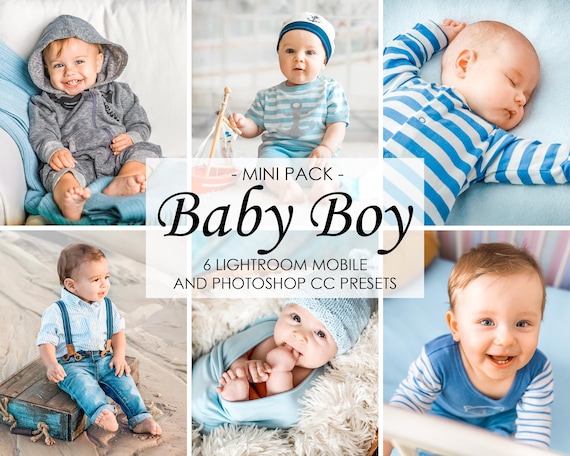
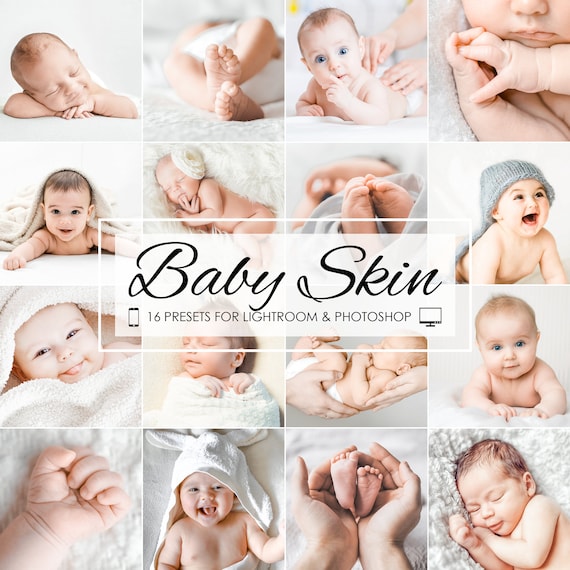
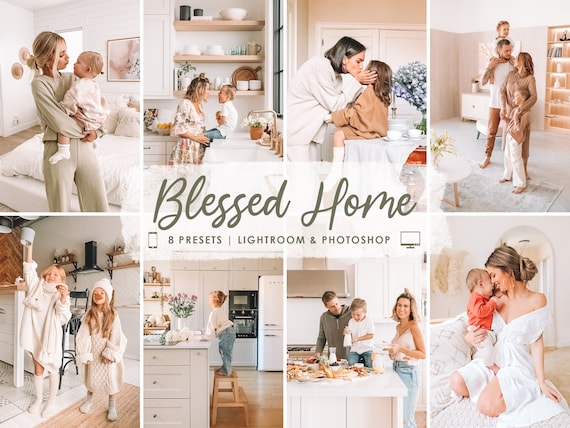
Family portraits, newborn sessions, and lifestyle content have their own editing demands. Skin tones need to look soft and accurate, scenes are usually busy, and parents want images that feel warm and emotional without looking heavily filtered.
The newborn and family packs here are built for these sessions specifically. They handle:
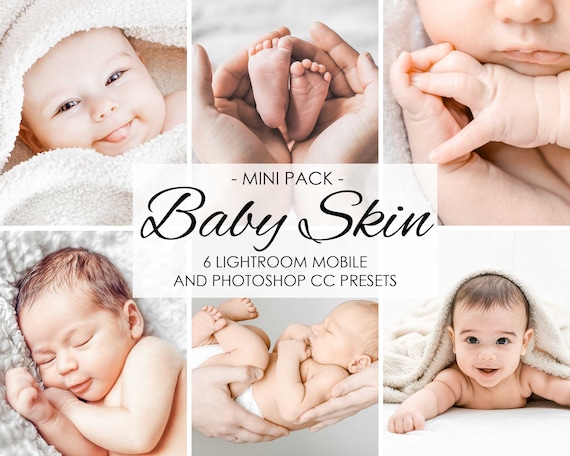
- delicate newborn skin without exaggerating redness or blotching
- family group shots with multiple skin tones in one frame
- at-home lifestyle scenes with mixed indoor light
- parents-and-baby compositions where soft, low-contrast finishes flatter best
Lifestyle bloggers and mom-content creators will also find the lifestyle and home packs useful for cohesive Instagram feeds where every image needs to feel like part of the same story.
Beauty and Editorial Portrait Editing
Beauty work, fashion portraits, and editorial sessions sit between commercial polish and creative styling. The presets useful here lean a little more dramatic — slightly deeper contrast, controlled color grading, and a refined film-like finish. Beauty portraits also benefit from presets that retain pore-level texture rather than softening skin into a wax mask.
Black and White Portrait Lightroom Presets
Black and white is one of the most flattering finishes for portrait work. Without color, viewers focus on expression, eyes, and form. The portrait packs here include monochrome conversions tuned for skin — meaning blacks stay rich, midtones stay luminous, and skin does not turn chalky or grey.
How These Portrait Presets Differ from Our Other Collections
To help you pick the right page on lpresets.com:
- Portrait presets (this page) are tuned around skin, headshots, beauty, family sessions, and general people photography.
- Wedding presets are tuned around full wedding-day workflows — ceremonies, receptions, mixed venue lighting, and bridal galleries.
- Car presets are tuned around metallic paint, reflections, and automotive scenes.
- Real estate presets are tuned around interiors, dark rooms, and listing photos.
- Preset bundles combine multiple genres if you want flexibility in one purchase.
Mobile and Desktop in Every Pack
Every portrait Lightroom preset on this page includes XMP files for Lightroom Classic and Lightroom desktop, plus DNG files for Lightroom Mobile. One purchase covers Mac, Windows, iPhone, and Android. Setup help is on the install guide, and the DNG file explainer covers the mobile side.
How to Get Stronger Results from Portrait Presets
Portrait presets give you the starting look. The final image still benefits from a few small adjustments per frame:
- correct white balance first — skin tone everything depends on it
- watch the orange/magenta sliders in HSL; they directly affect skin
- reduce highlights if the forehead or cheekbones blow out
- lift shadows gently when shooting against window light
- use the radial filter or brush for face-only exposure lifts when needed
If you want to test before buying, our free Lightroom presets page is a good place to start.
Who These Portrait Presets Are For
The packs on this page are a strong fit for:
- headshot and corporate portrait photographers
- family, newborn, and maternity photographers
- beauty and editorial portrait shooters
- lifestyle bloggers and personal-brand photographers
- content creators photographing people for social platforms
- beginners who want flattering portrait edits without manual grading
Frequently Asked Questions About Portrait Lightroom Presets
Do these portrait presets work for all skin tones?
They are built as strong starting points across complexions. Final white balance and HSL skin adjustments should still be checked per image. For deeper skin tones specifically, see the Black Tones Portrait pack.
Are these good for headshots?
Yes. The portrait HDR and black tones packs in particular are tuned for clean, credible headshot work — corporate, LinkedIn, actor, and personal brand.
Will they work in Lightroom Mobile?
Every pack includes mobile DNG files alongside desktop XMP files.
Do you have presets specifically for newborn or family sessions?
Yes. The family, newborn, and baby packs on this page are built around delicate skin and soft contrast for these specific session types.
What if I shoot weddings too?
Use our wedding presets for wedding-day galleries — they are tuned for full ceremony and reception coverage. The portrait packs here are better for engagement portraits, bridal portraits outside the wedding day, and headshot sessions.
Start Editing Portraits Faster
Portrait work rewards consistency. The faster you can apply a finished look that flatters your subject without flattening their skin, the more time you can spend on the frames that matter. Pick the pack that matches your portrait niche above, install it once on mobile and desktop, and start delivering a tighter, more cohesive portrait gallery from the next session forward.